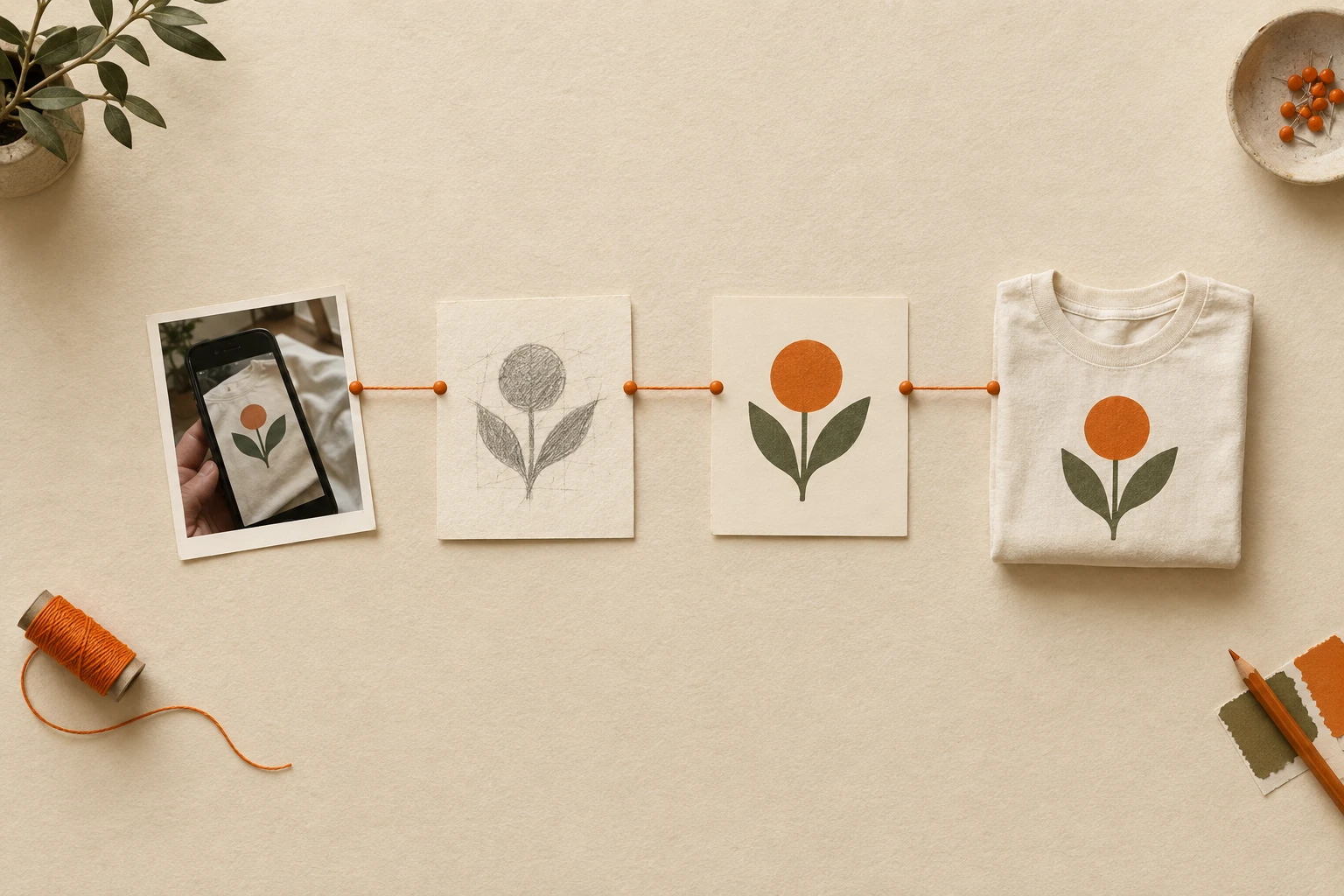
Workflows
Multi-step pipelines that chain models into a finished outcome — a full product launch, a design audit, a localization sweep, or a custom flow you assemble yourself. Once Template Trainer is wired into this category and the four pipelines on the roadmap land, this is where you orchestrate creative work end-to-end. Every tool here is currently 'coming soon'.
**COMING SOON.** From prompt to storefront in one call — generate the design, run print prep, mockup across five products, deliver every asset ready to publish.
**COMING SOON.** Upload a design and get a structured report — type (photo / illustration), DPI, palette, possible IP issues, metadata, recommended next steps.
**COMING SOON.** Take a design with text, detect the language, translate to N target languages, regenerate the design once per language — same layout, native typography.
**COMING SOON.** A no-code pipeline builder for the platform's models — stitch any sequence of catalogue endpoints into one repeatable workflow.
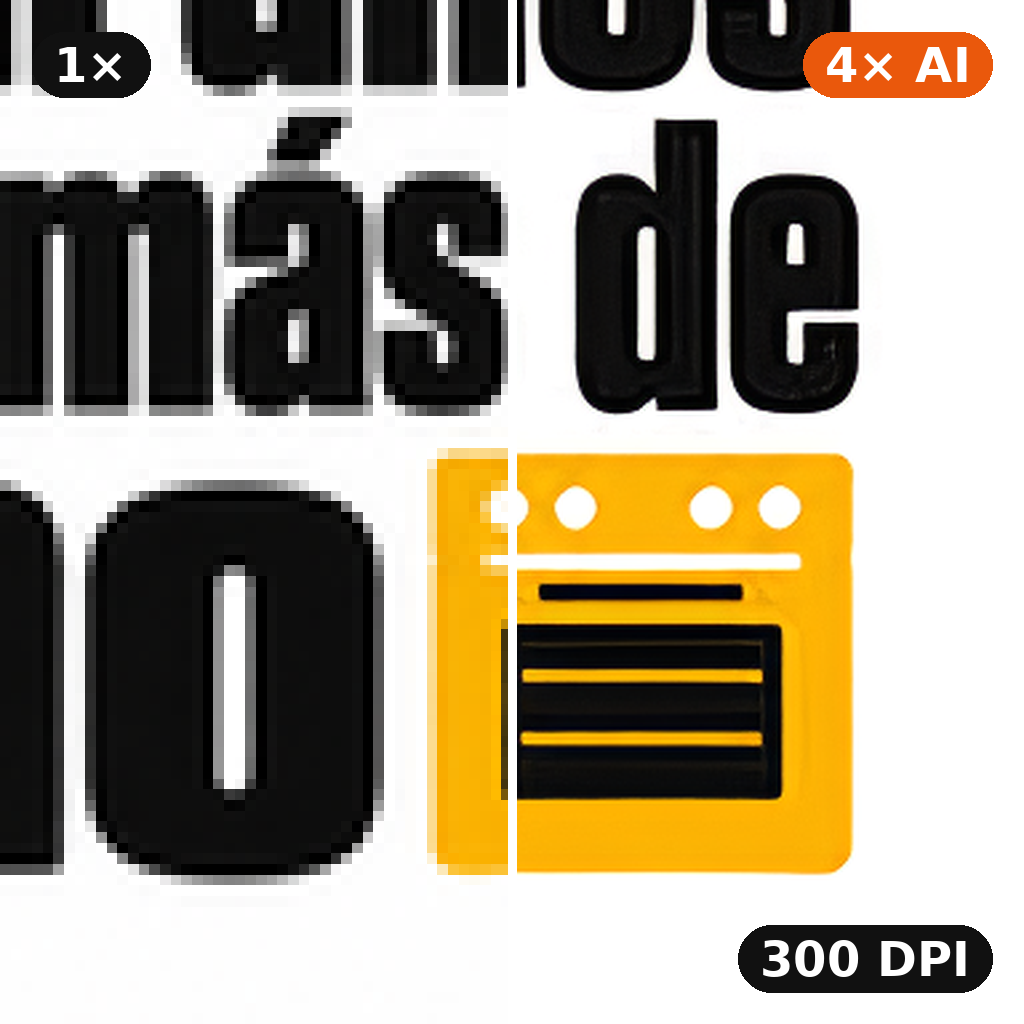
For designs that are too small or in bad shape: a 4× AI upscale rebuilds clean edges and removes compression artefacts, then DPI Fixer trims the margins and fits the art to the exact pixels of your product's print size at 300 DPI (or the DPI you choose). Same options as DPI Fixer.
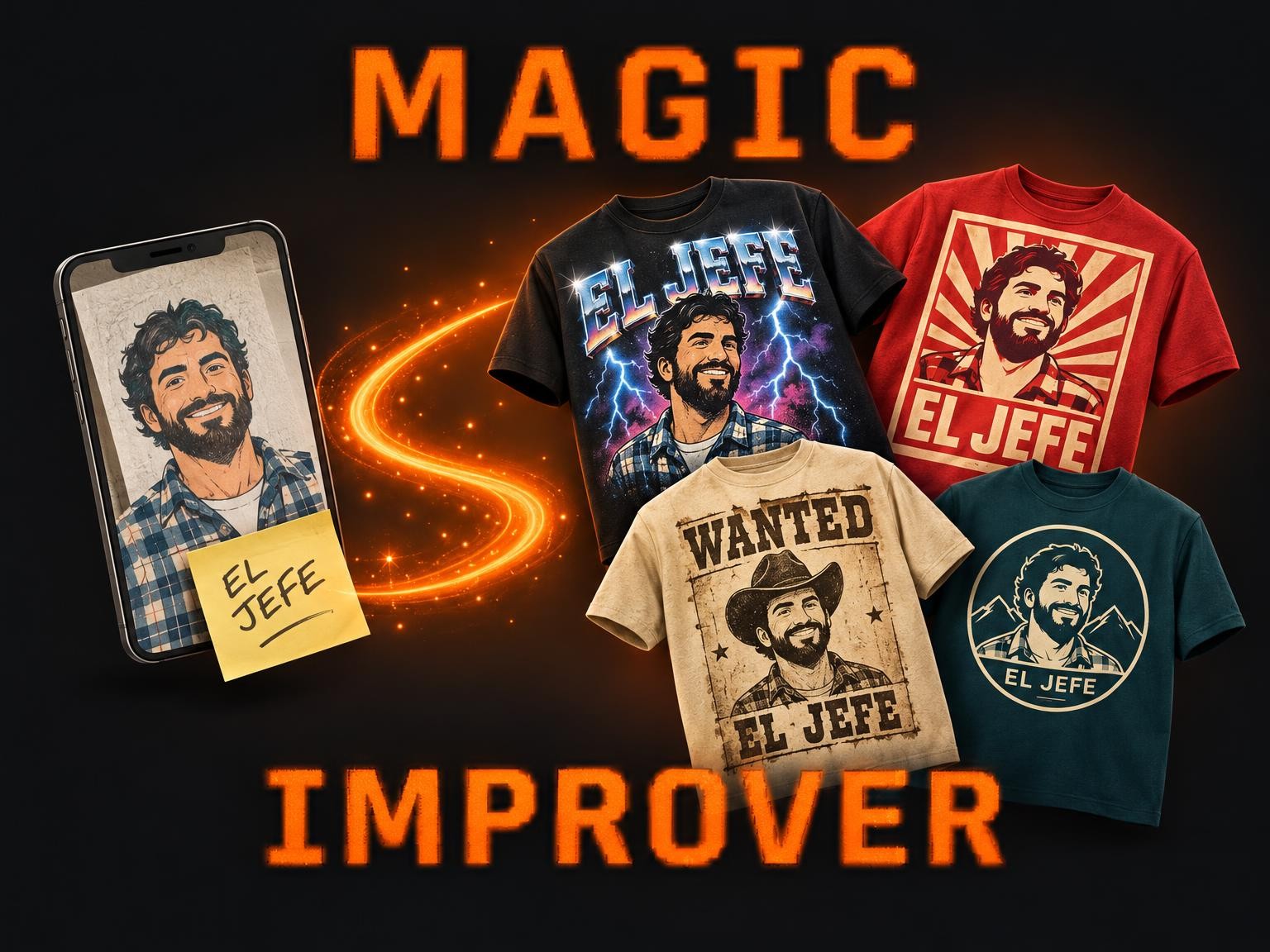
Magic Improver turns whatever you were going to print — a phone photo, a rough collage, a logo, a few typed words — into finished t-shirt designs. An art director reads your upload, works out the style you were after among 58 proven t-shirt looks, and renders up to 5 options that keep your people, your pets and your words.
Magic Improver Gourmet turns a designer's starting point — an idea, a pun, a sketch, a photo or a weak design — into finished t-shirt designs at design-contest level. An art director picks the best fit among 68 design archetypes mined from thousands of designer-tee contest entries, develops the concept, writes the title and renders up to 5 options.
Magic Improver Text Only turns a designer's starting point — an idea, a phrase, a lettering sketch, a photo or a weak text design — into finished text-only t-shirt designs. An art director picks the best fit among 36 lettering archetypes mined from LaTostadora's best text designs, writes the phrase and lays it out, and renders up to 5 options.
Turn a design into a print-ready file in one run: pick the product, and the background is cut out (optional), the empty margins are trimmed and the art is fitted to the exact pixels that print area needs at 300 DPI, with the DPI written into the PNG. The sizing step picks itself — a small or soft design is rebuilt with a 4x AI upscaler first, a large one is resampled directly — so you never have to know which tool your file needed.
Cut out a design and make it print-ready in one run: Fast Background Remover removes the background and the empty canvas, then DPI Fixer fits the art to the exact pixels of the product's print area at 200 DPI. You get a transparent PNG with the DPI written in.
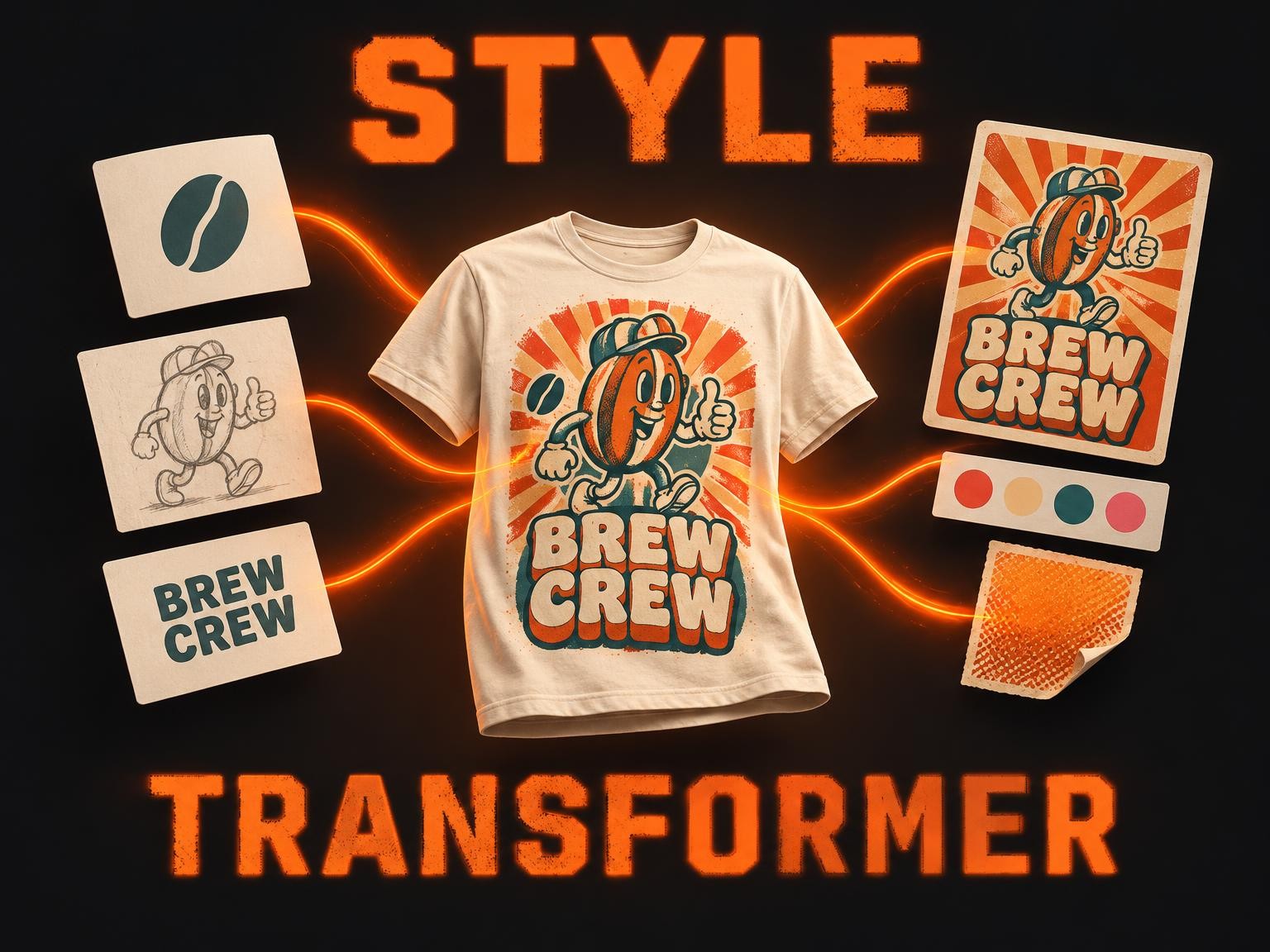
Design Style Transformer Multiple Images fuses up to 10 of your designs — logos, illustrations, characters, lettering — into one t-shirt graphic in the look of any reference design you love. Add a slogan, or start from words alone: it studies the reference's palette, typography, effects and layout and renders everything in that style, keeping every word and element of yours.
Workflows — coming soon
Multi-step pipelines that chain models into a finished outcome. Catalog opens as each pipeline lands.
Frequently asked questions
How is a workflow different from a single model?
A workflow chains several models (and tools) into a single execution — branching, conditional steps, shared context. A single model is one request, one response. Workflows shine when the job has stages (generate → audit → upscale → mockup → publish) that you don't want to script by hand.
What's available today?
Template Trainer — the workflow that turns a static design into a reusable template — is live in the Templates category. Four further pipelines (Create Your Pipeline, Product Launch, Design Audit, Localization) are on the near-term roadmap.
Try Template Trainer
The first shipped workflow — drop a design in, get a reusable template out.
Open the workflow →Watch the changelog
Each pipeline flips from 'coming soon' to live on release day.
Open changelog →