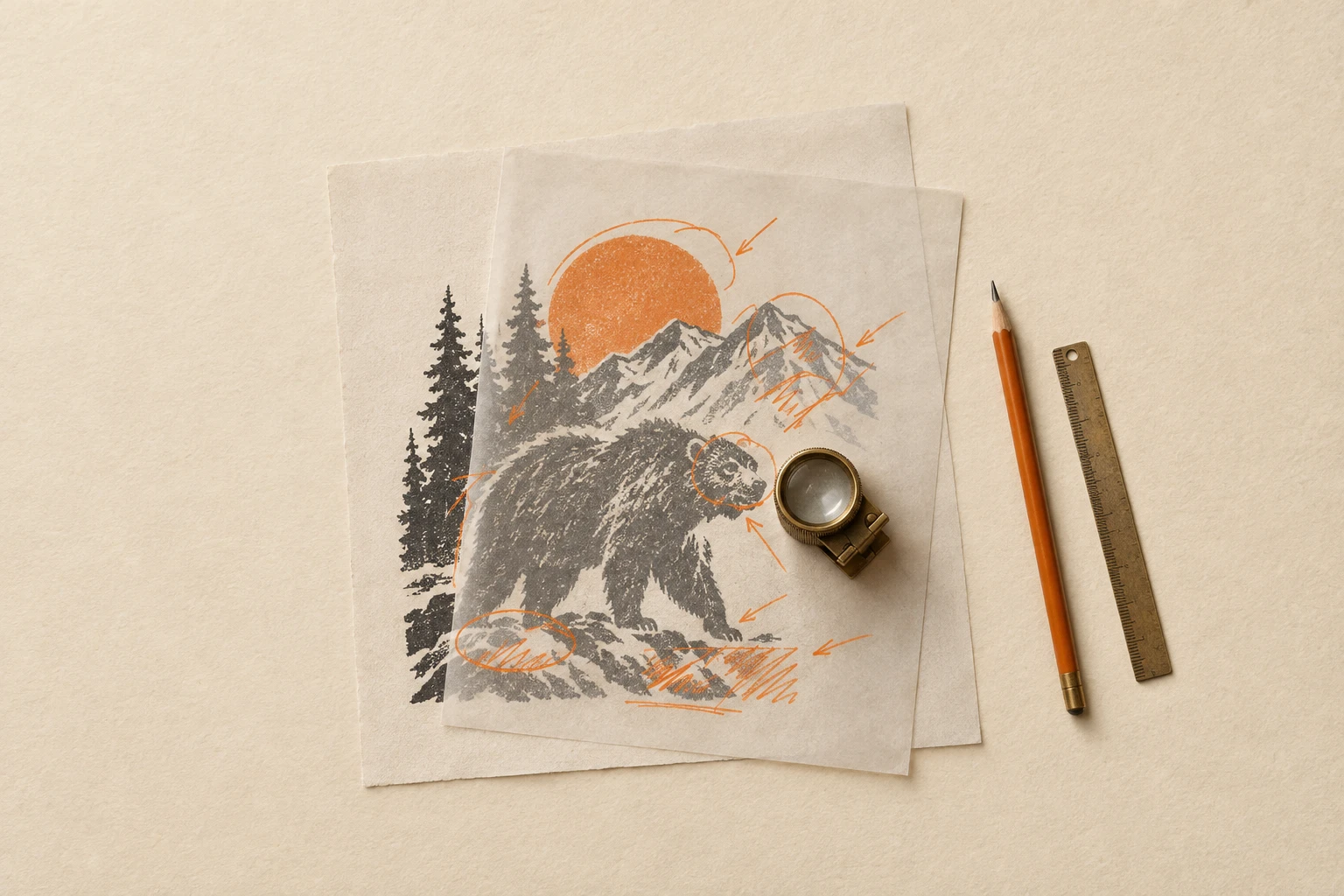
Design Helpers
The toolkit you reach for between generation and shipping — vision models that describe and audit a design (Florence-2, Gemini 2.5, Llama 3.2 Vision, Qwen3-VL), Nano Banana Pro Edit Ultra for targeted image-edit fixes, and Pruna's fast upscaler for finishing. Most useful as pipeline glue: take a draft, understand it, edit it, polish it, ship it.
Gemini 3.7 Flash is Google's workhorse multimodal LLM: send a prompt plus up to 11 images and get back copy, structured JSON, captions or analysis. Its sharpest edge over earlier Flash models is how closely it follows a brief — visual references, brand rules and dense documents — with a reasoning dial you set per call, from quick low-effort answers to careful multi-step work.
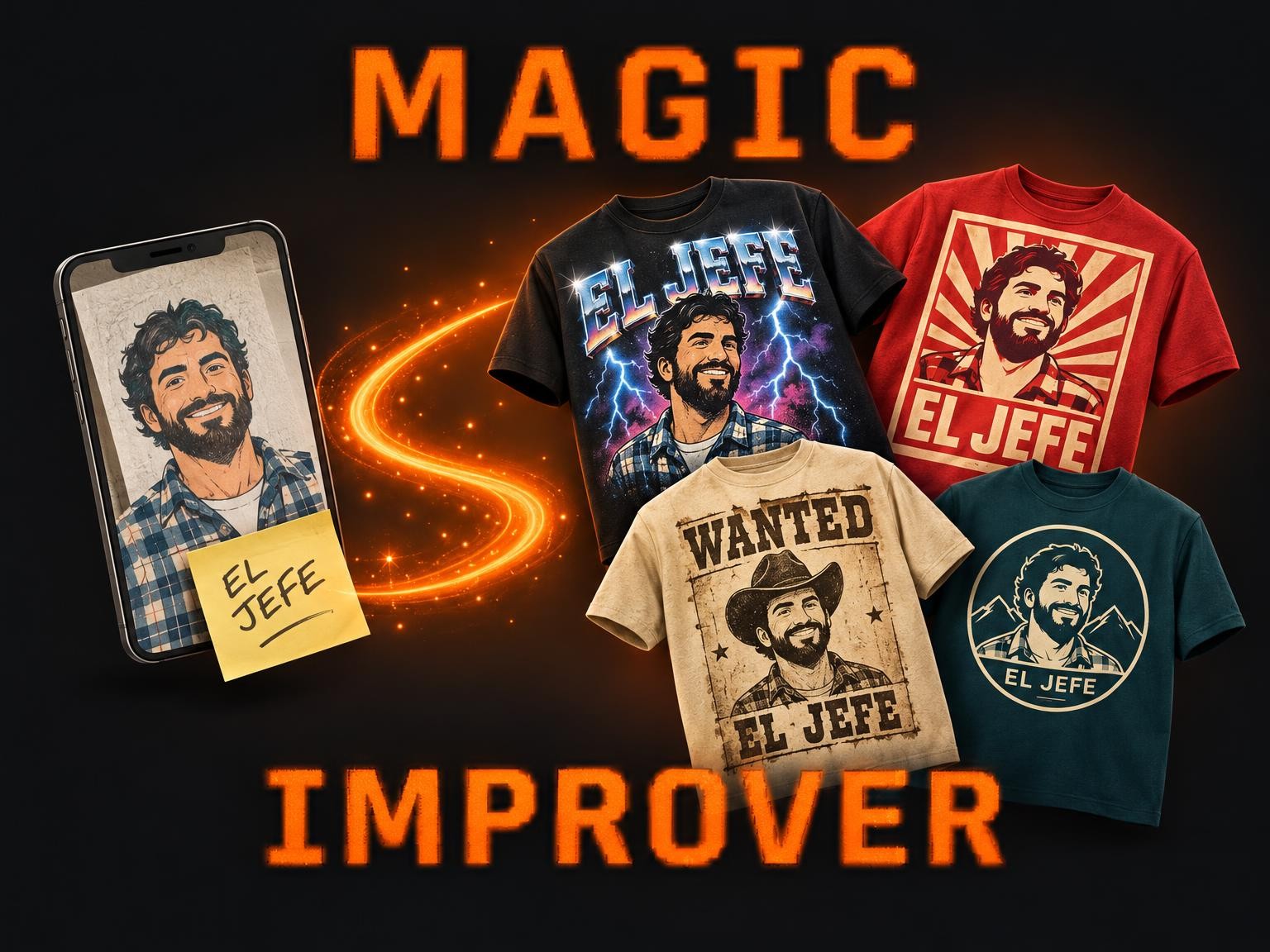
Magic Improver turns whatever you were going to print — a phone photo, a rough collage, a logo, a few typed words — into finished t-shirt designs. An art director reads your upload, works out the style you were after among 58 proven t-shirt looks, and renders up to 5 options that keep your people, your pets and your words.
Magic Improver Gourmet turns a designer's starting point — an idea, a pun, a sketch, a photo or a weak design — into finished t-shirt designs at design-contest level. An art director picks the best fit among 68 design archetypes mined from thousands of designer-tee contest entries, develops the concept, writes the title and renders up to 5 options.
Magic Improver Text Only turns a designer's starting point — an idea, a phrase, a lettering sketch, a photo or a weak text design — into finished text-only t-shirt designs. An art director picks the best fit among 36 lettering archetypes mined from LaTostadora's best text designs, writes the phrase and lays it out, and renders up to 5 options.
**COMING SOON.** Add crisp, editable-quality text to any design: place a slogan, name or date on top of an artwork with the right font, size, curve and colour, without the garbled lettering image models sometimes produce.
Pruna's image upscaler — the fastest on the market today, with sub-second inference and output up to 128 megapixels. Pick a target megapixel count or a per-side scaling factor, optionally boost details or realism, and ship hero-resolution assets without the diffusion-model cost.
Florence-2 Large is Microsoft's specialist image-captioning model — pass one image, get a text description back. Pick the caption verbosity (`Caption` for alt-text, `Detailed` for a sentence, `More Detailed` for a paragraph). Fast, cheap, ideal for batch metadata work on product catalogues.
**COMING SOON.** Adapt a design for cylinder or cone printing — edge-matching for wrap-around, conical distortion for tapered objects, seam continuity validation.
**COMING SOON.** Adapt a finished design to a different aspect ratio with intelligent outpainting and layout reflow. Built for retargeting the same artwork across product shapes.
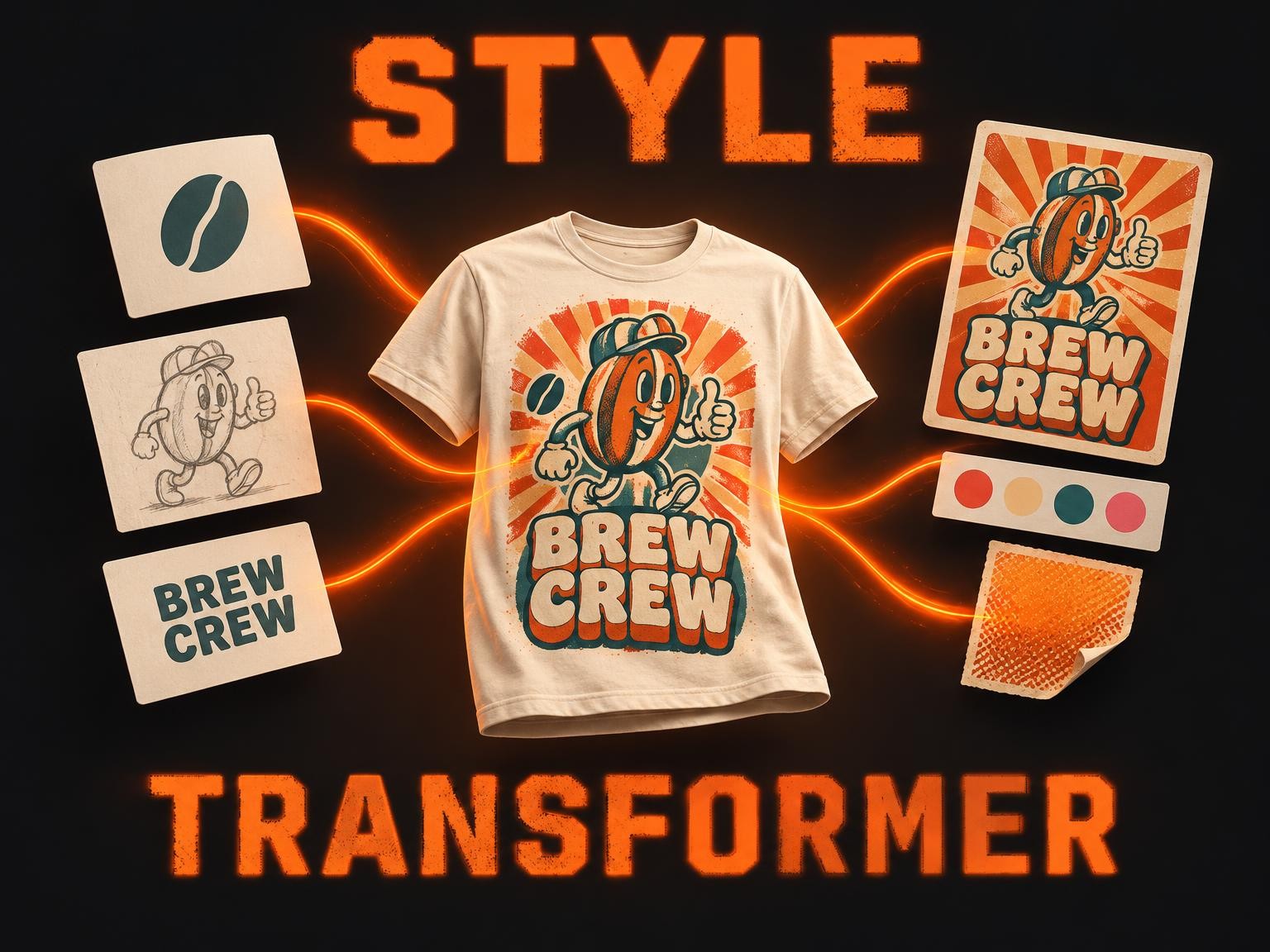
Design Style Transformer Multiple Images fuses up to 10 of your designs — logos, illustrations, characters, lettering — into one t-shirt graphic in the look of any reference design you love. Add a slogan, or start from words alone: it studies the reference's palette, typography, effects and layout and renders everything in that style, keeping every word and element of yours.
**COMING SOON.** Context-aware colour inversion for swapping a design between dark and light backgrounds. The model knows which elements to flip and which to keep unchanged.
From draft to ship-ready — the toolkit in between
Describe, edit, polish, finish. Pipeline glue for serious design work.
Frequently asked questions
What does a vision model add to a design pipeline?
Two things: it turns an image into a prompt (useful when you want to remix or re-style something you already like) and it batch-audits a folder of outputs against a checklist — 'is the wordmark legible?', 'is the subject centered?', 'does it contain any forbidden symbol?'.
When should I use Nano Banana Pro Edit Ultra vs regenerating from scratch?
Edit when 90% of the design is right and one specific thing is wrong — the wrong color, an extra element, a typo in the headline, the wrong background. Nano Banana Pro Edit Ultra is the surgical-fix specialist for those cases. Regenerate when the composition itself needs to change — pixels won't fix composition problems.
When should I upscale versus regenerate at higher resolution?
Upscale when you've already approved the composition and just need more pixels for print or large-format display — the Pruna P-Image-Upscale model is the fastest path. Regenerate when the design still has issues at the current size.
Which vision model should I pick?
For pure image captioning, Florence-2 Large is the fastest specialist. For Q&A about a design (multi-turn instructions, structured output), Gemini 2.5 Flash. For an open-source local-friendly stack, Llama 3.2 Vision and Qwen3-VL via Ollama.
Is the catalog still growing?
Yes — several roadmap helpers are queued (make-this-design-better, cylinder-optimizer, color-inversion, aspect-ratio-fix). They appear as 'coming soon' until they ship. Check back or watch the changelog.
Open in Studio
Caption a design, edit a detail, upscale a draft — all in one session.
Launch Studio →Try Nano Banana Pro Edit Ultra
The image-edit specialist in this category — surgical fixes without re-rolling the whole composition.
Open the model →