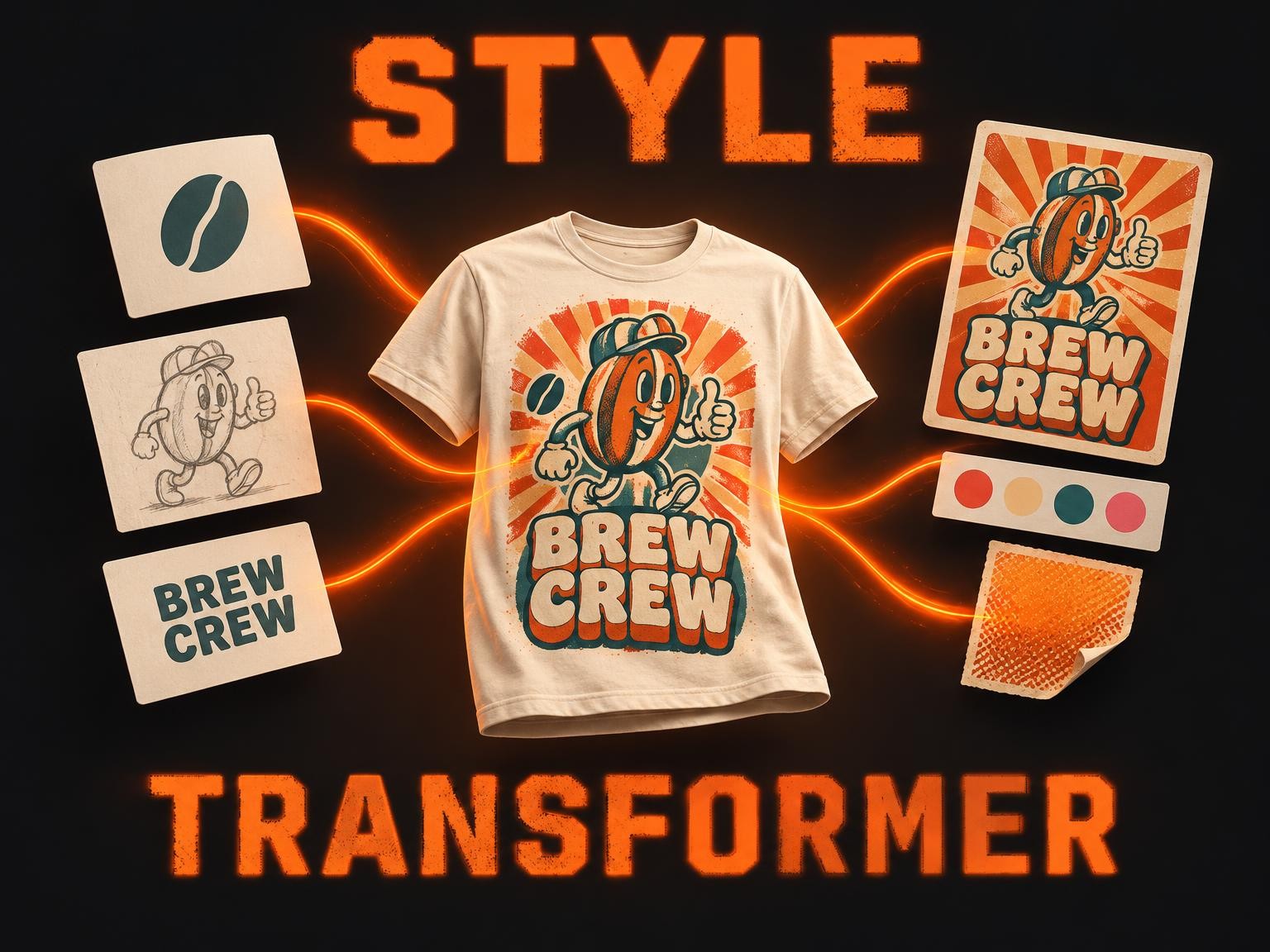
design-style-transformer-multiple-images
Design Style Transformer Multiple Images fuses up to 10 of your designs — logos, illustrations, characters, lettering — into one t-shirt graphic in the look of any reference design you love. Add a slogan, or start from words alone: it studies the reference's palette, typography, effects and layout and renders everything in that style, keeping every word and element of yours.
Input
Your designs — logos, graphics or artwork, up to 10. Several are fused into one design, keeping all their text and imagery. Optional if you give a source text.
0 / 10
Words for the design, such as a slogan or a name, rendered exactly as written. Added to your designs, or used alone to create a new one.
A design whose style and composition you want: colours, typography, effects and layout are borrowed from it, never its text or images.
How closely the result should match the reference design.
Shape of the design: square, landscape or portrait.
Return PNGs with a transparent background. fast is the quickest; balanced takes a few seconds more and is better at keeping lettering and small detached elements.
Output
Run the model to see output here.
Examples
Pricing
Features
API Examples
curl -X POST \
  /api/v1/model/wowmachine/design-style-transformer-multiple-images \
  -H "Authorization: Bearer YOUR_API_KEY" \
  -H "Content-Type: application/json" \
  -d '{
  "input": {}
}'