Image Tools
Practical, fast, non-AI tools for inspecting, transforming and packaging image files. Resize, crop, compress, convert formats, mirror, trim transparent borders, extract dominant colors, rasterize PDFs, or compose grids for visual comparisons. No prompts, no GPUs, no waiting — just reliable operations on the images you already have.
Read the technical metadata of any image, video or audio URL — duration, resolution, codec, frame rate, file size — without downloading the file first. Useful as a cheap gate in front of expensive generative steps.

Flip an image horizontally or vertically. Lossless, deterministic, and useful for apparel-mockup variants or symmetric editorial layouts.

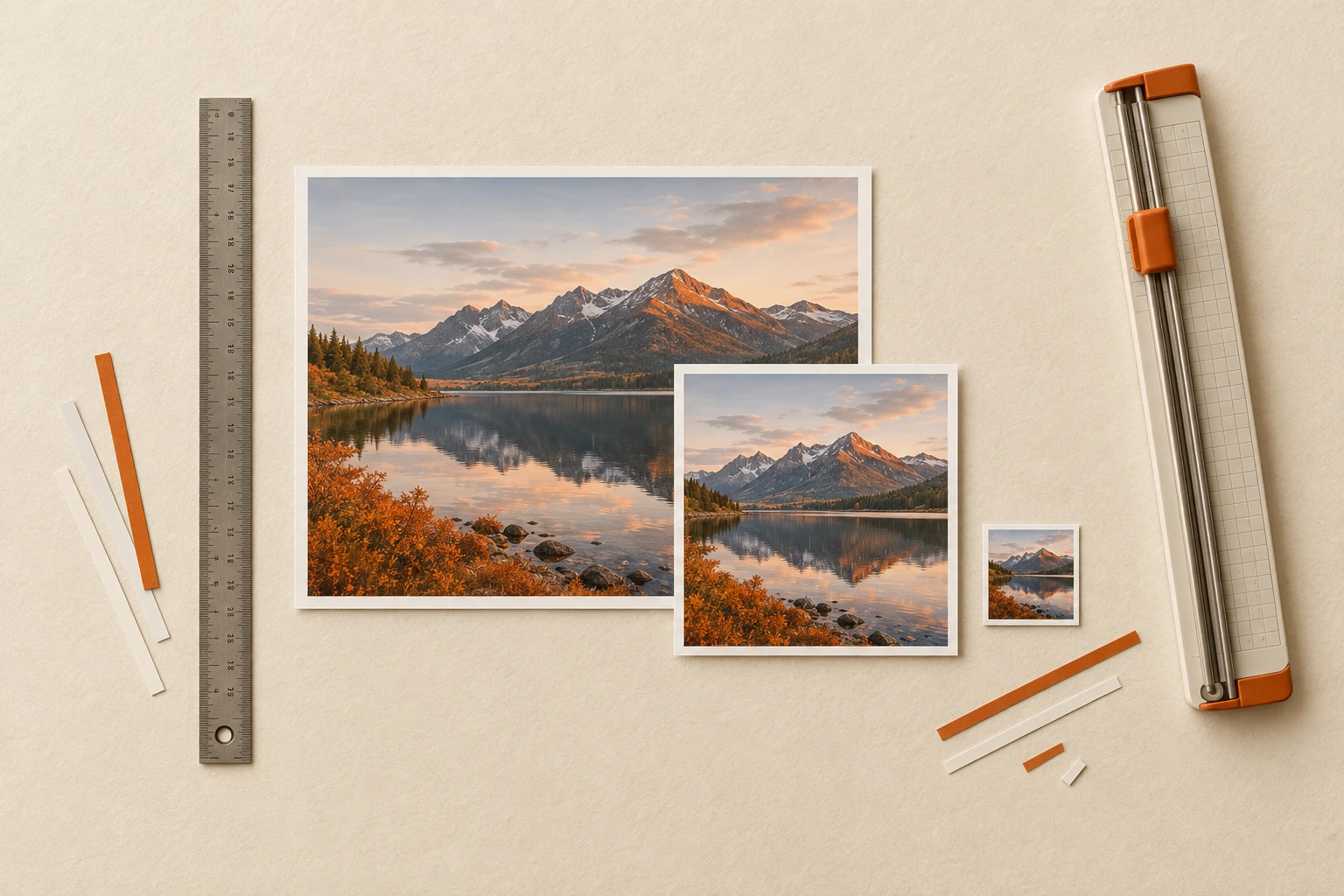
Resize an image by width, height, or both with Lanczos resampling. Aspect ratio is preserved when only one dimension is provided.
Convert an image between JPG, PNG, WebP and GIF. Transparency is composited over white when targeting a flat format.
Crop an image by pixel coordinates, percentage coordinates, or a uniform margin (in pixels or as a fraction). Pick one mode per call.
Compress an image with a configurable quality level (1–95). Preserves the original format and dimensions — only the file size changes.
Combine multiple images into a single grid with configurable columns, gap, max width, and optional captions or index labels — useful for comparison sheets, variant boards, and contact sheets.
Extract the dominant colour palette from an image using ColorThief. Returns a JSON list of hex and RGB values ordered by prominence.
Auto-crop transparent borders from a PNG with optional padding. Tightens cut-outs so they composite cleanly into product mockups and marketing assets.

Rasterise every page of a PDF into a JPG or PNG. Configurable DPI and a per-call page cap keep costs predictable for long documents.
Image plumbing — done in a single API call
Resize, crop, convert, compress. No prompts, no GPUs, no waiting.
Frequently asked questions
Do these tools use AI?
No — they're deterministic ffmpeg / Pillow / ImageMagick operations exposed as one-call endpoints. That's the point: identical input always produces identical output, with sub-second latency and predictable cost.
Why use these instead of doing it locally?
Three reasons: they slot into the same API and pipelines you're already using for AI models, they batch-process from URLs without downloading anything to your machine, and they keep your environment clean of native deps (libvips, ffmpeg, poppler).
What formats are supported?
JPG, PNG, WebP and GIF on the conversion side. Resize, crop, compress and mirror work on all of them. The PDF tool rasterizes each page to JPG or PNG. Alpha-channel trimming targets PNGs specifically.
Are the outputs commercial-use ready?
Yes — these tools don't generate anything, they transform the image you already own. Whatever rights you held on the input carry through to the output untouched.
Open in Studio
Run a quick resize, crop or color-palette extract right now.
Launch Studio →Browse all image tools
Ten operations covering inspection, transformation and packaging.
View catalog →