Categories
Browse models by what they do.
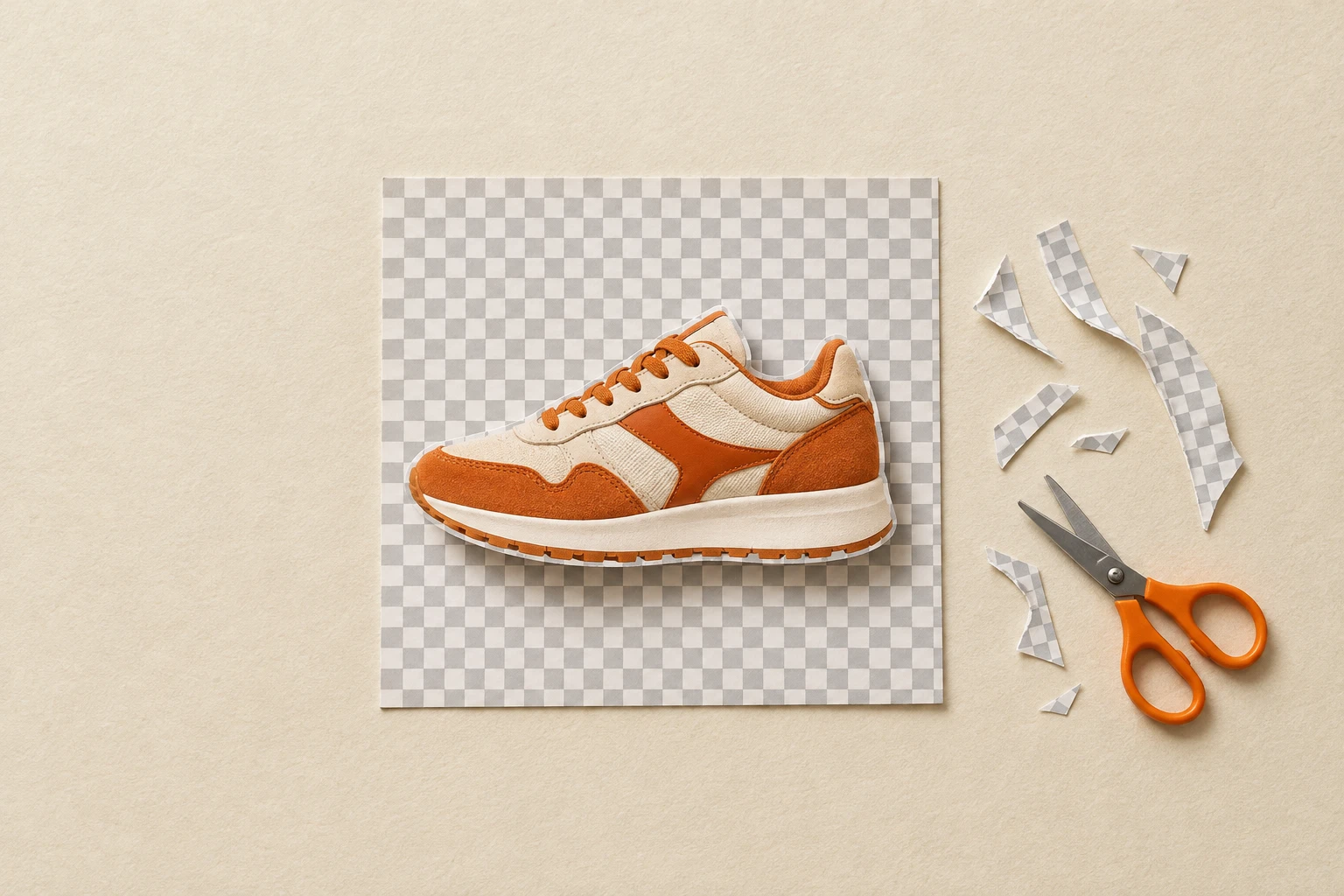
Background Removers
Drop in an image and get a clean PNG with a real alpha channel, ready for a print file, a mockup, a product grid or a collage. Four removers cover the range: Fast cuts out photos and most designs in about two seconds, up to eight at a time; Balanced is tuned for the finest edges, like flyaway hair, fur and glass; Smart checks its own cutout and redoes it when lettering or a frame went missing; and Premium keeps glows, smoke and other see-through effects with their transparency.
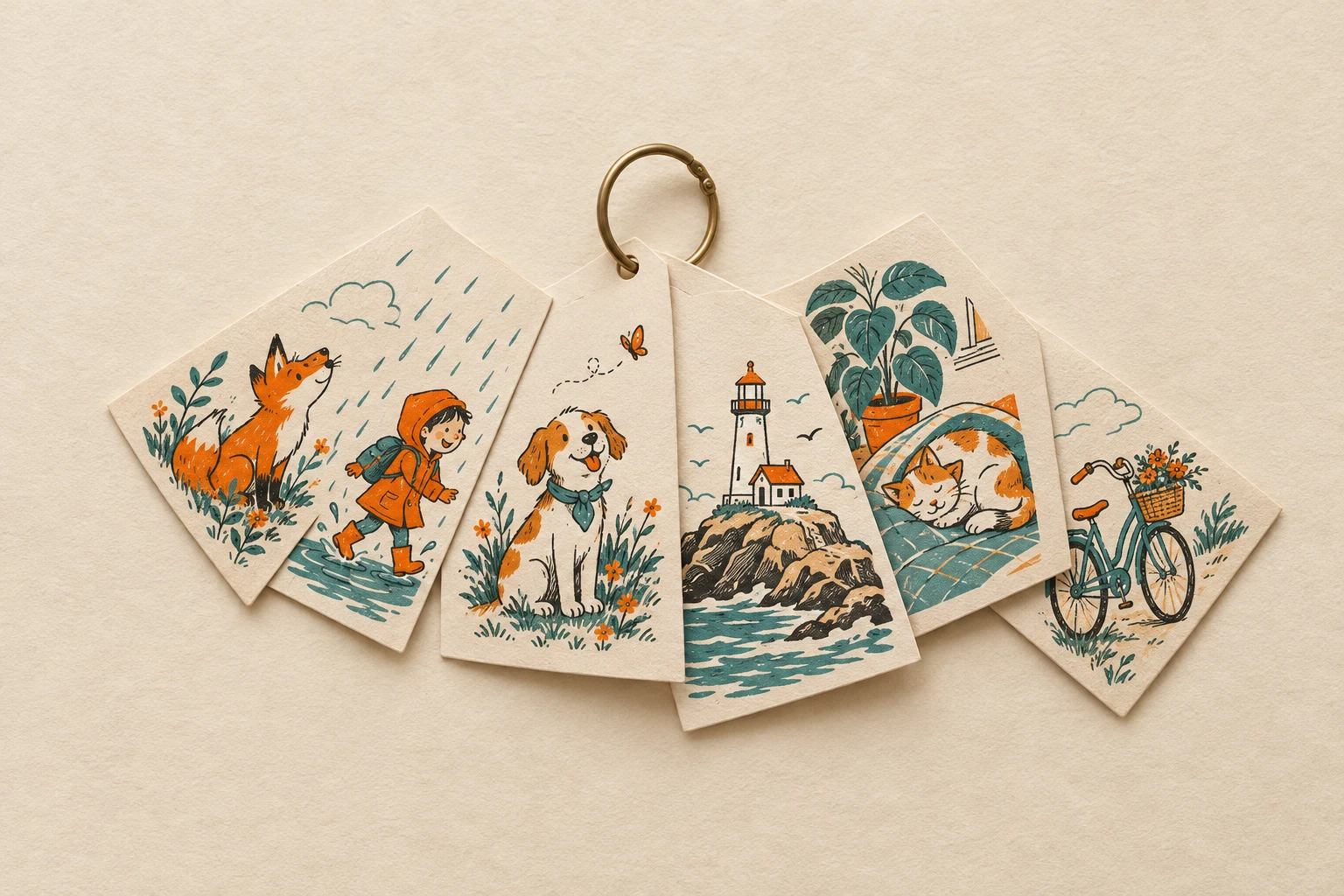
Collections
Style packs you train once and reuse everywhere. Upload 3–30 of your designs to the Collections Trainer and get a collection model that writes a fresh, on-style design prompt for every idea, photo or surprise — ready for print.
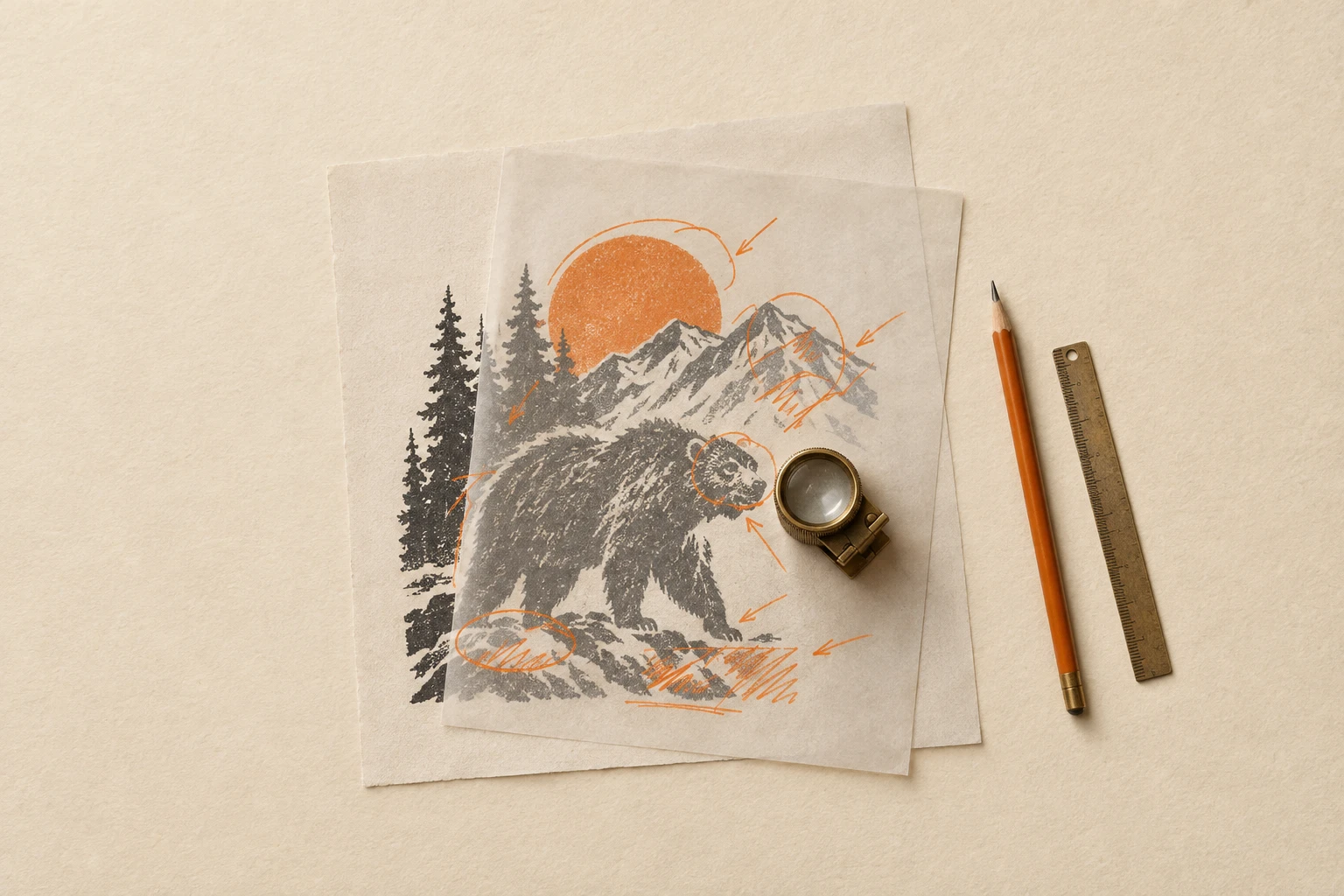
Design Helpers
The toolkit you reach for between generation and shipping — vision models that describe and audit a design (Florence-2, Gemini 2.5, Llama 3.2 Vision, Qwen3-VL), Nano Banana Pro Edit Ultra for targeted image-edit fixes, and Pruna's fast upscaler for finishing. Most useful as pipeline glue: take a draft, understand it, edit it, polish it, ship it.
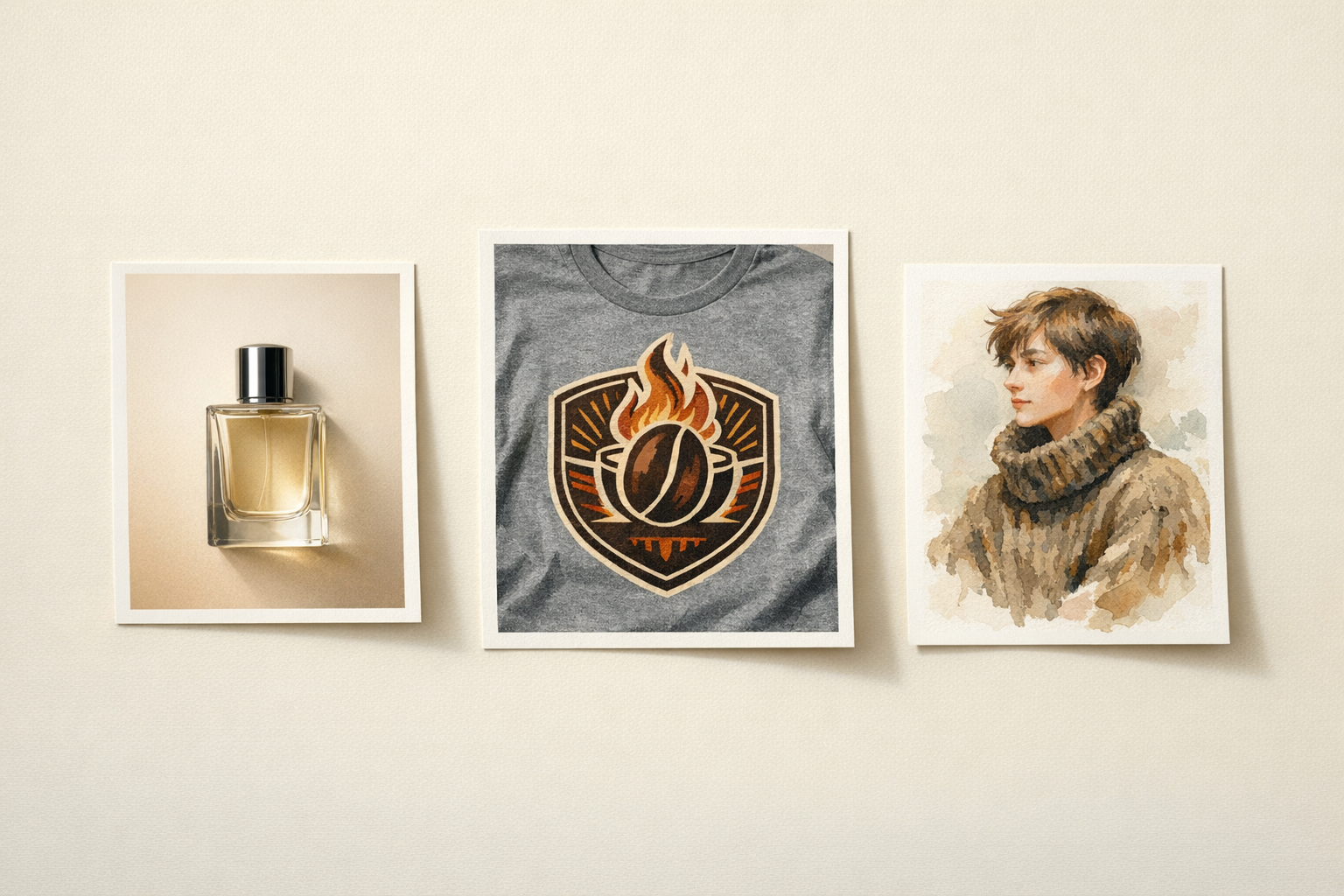
Image Generation
Generate from scratch or edit what you already have — both flows live in the same catalog. Flagship generators (GPT Image 2, Seedream 5 Lite, Nano Banana Pro, Wan 2.7 Image Pro) sit next to heavy image-edit models (Qwen Image Edit, Seedream 4.5 Edit, Pruna P-Image-Edit) and our own guided apps (PhotoEffects, Logo Creator, Logo Translator). Pick the tier that matches the brief and ship.
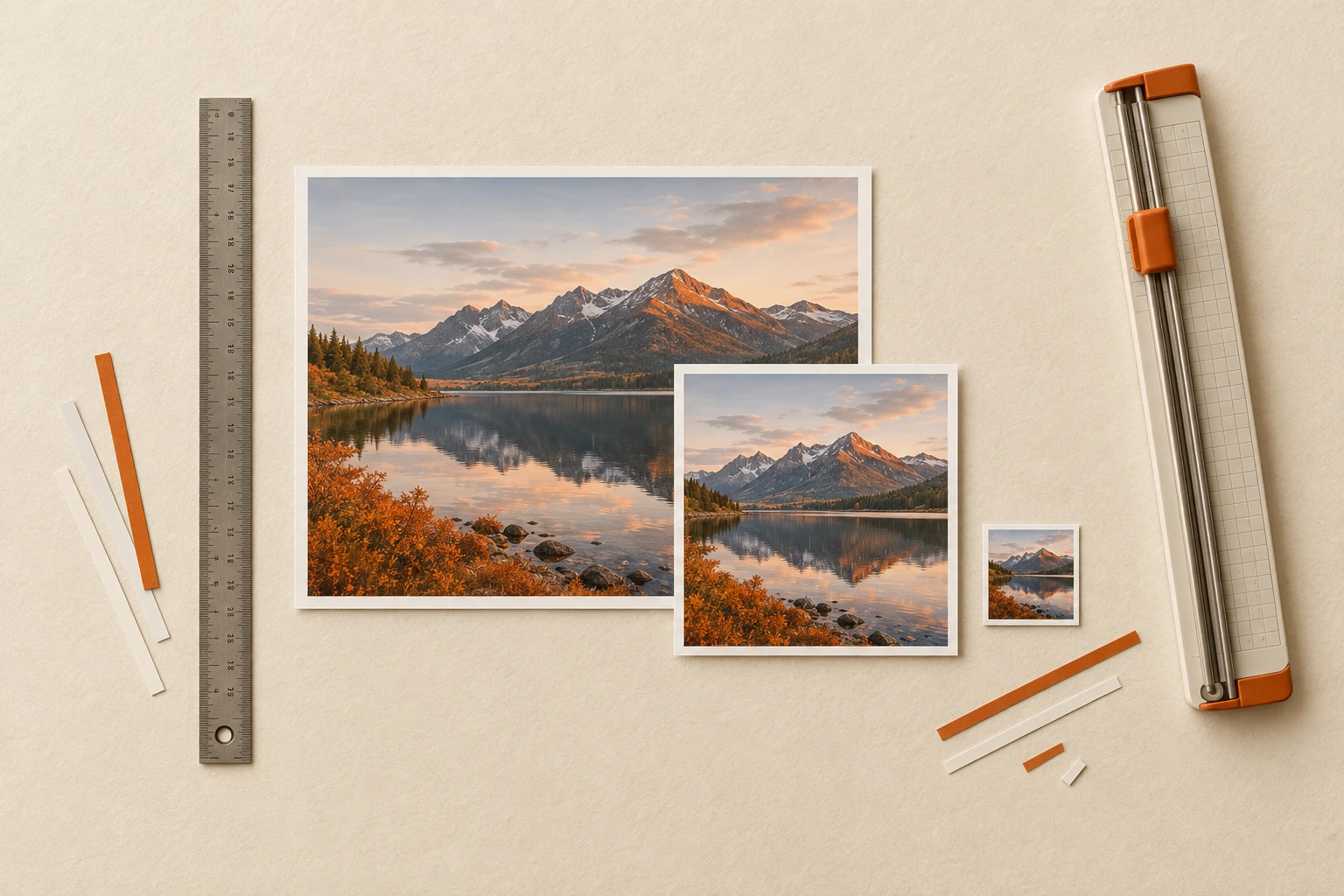
Image Tools
Practical, fast, non-AI tools for inspecting, transforming and packaging image files. Resize, crop, compress, convert formats, mirror, trim transparent borders, extract dominant colors, rasterize PDFs, or compose grids for visual comparisons. No prompts, no GPUs, no waiting — just reliable operations on the images you already have.
Mockups & Try-Ons
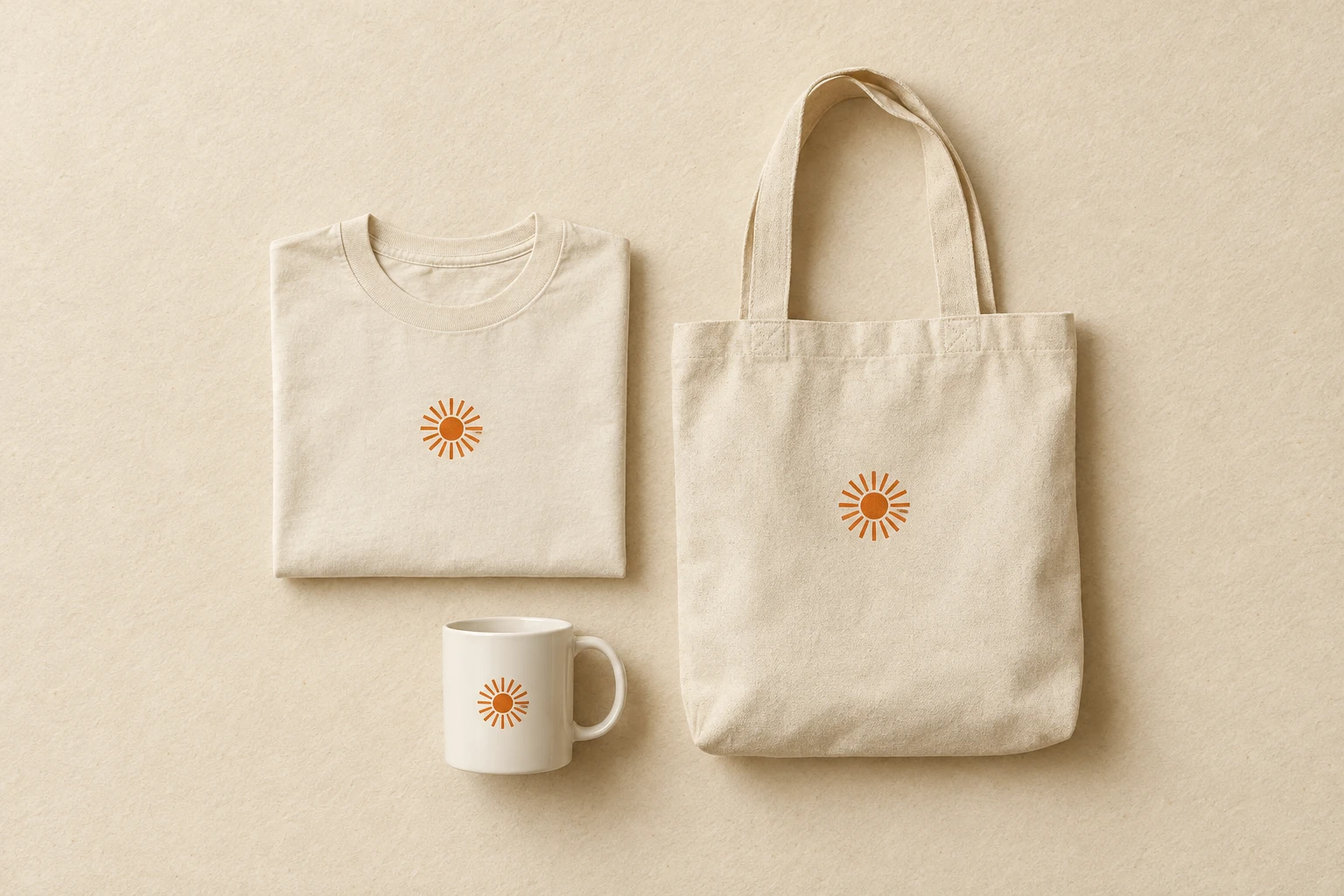
Put your design on the product before you commit to the print run. Three live apps cover the basics: Try-On Guided (drop a design + a product photo, get a realistic try-on), TryOn v1 (the lighter predecessor, useful for batch runs), and Mockup Improver (polish an existing mockup — lighting, fabric drape, color reproduction). A broader mockup pipeline (general generator, cylinder products, design-placement, model-pose, multi-product flows) is in the near-term roadmap.
Print Prep
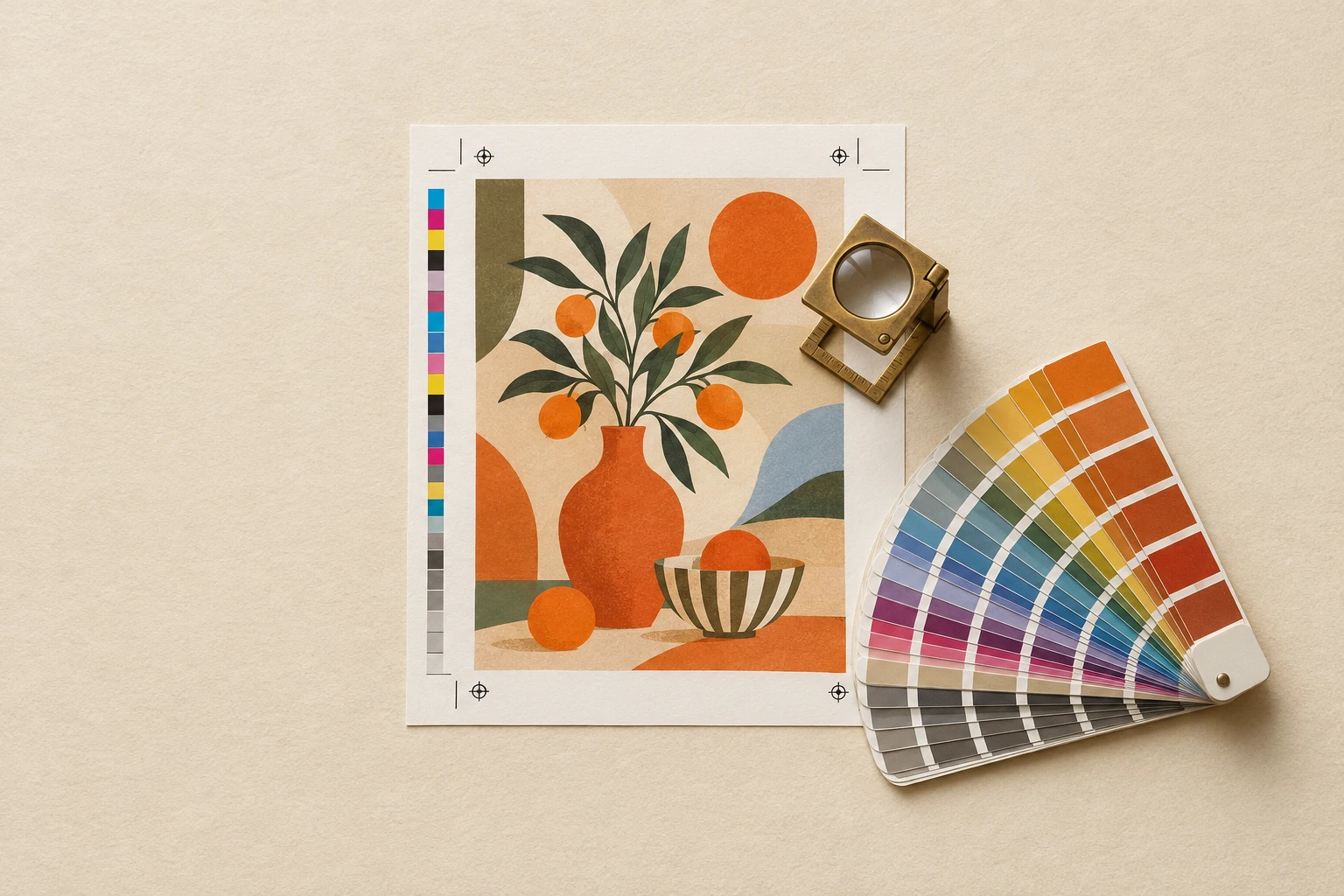
The last mile between a finished design and a print file the factory won't reject. Live today: three background removers (Balanced for the finest edges, Smart, which checks its own cutout and redoes it when lettering goes missing, and Premium, which keeps glows and smoke see-through), DPI Fixer (trims margins and sizes the art to the exact pixels of a product's print area at 300 DPI), DPI Fixer Ultimate (the same after a 4× AI upscale, for small or damaged art), the 4× Upscaler on its own, DTG-to-Vector (raster artwork to clean SVG paths for screen-print, vinyl-cut and embroidery) and a workflow that removes the background and fixes the DPI in one run. A colour-count reducer and a copyright screen are on the roadmap.
Templates
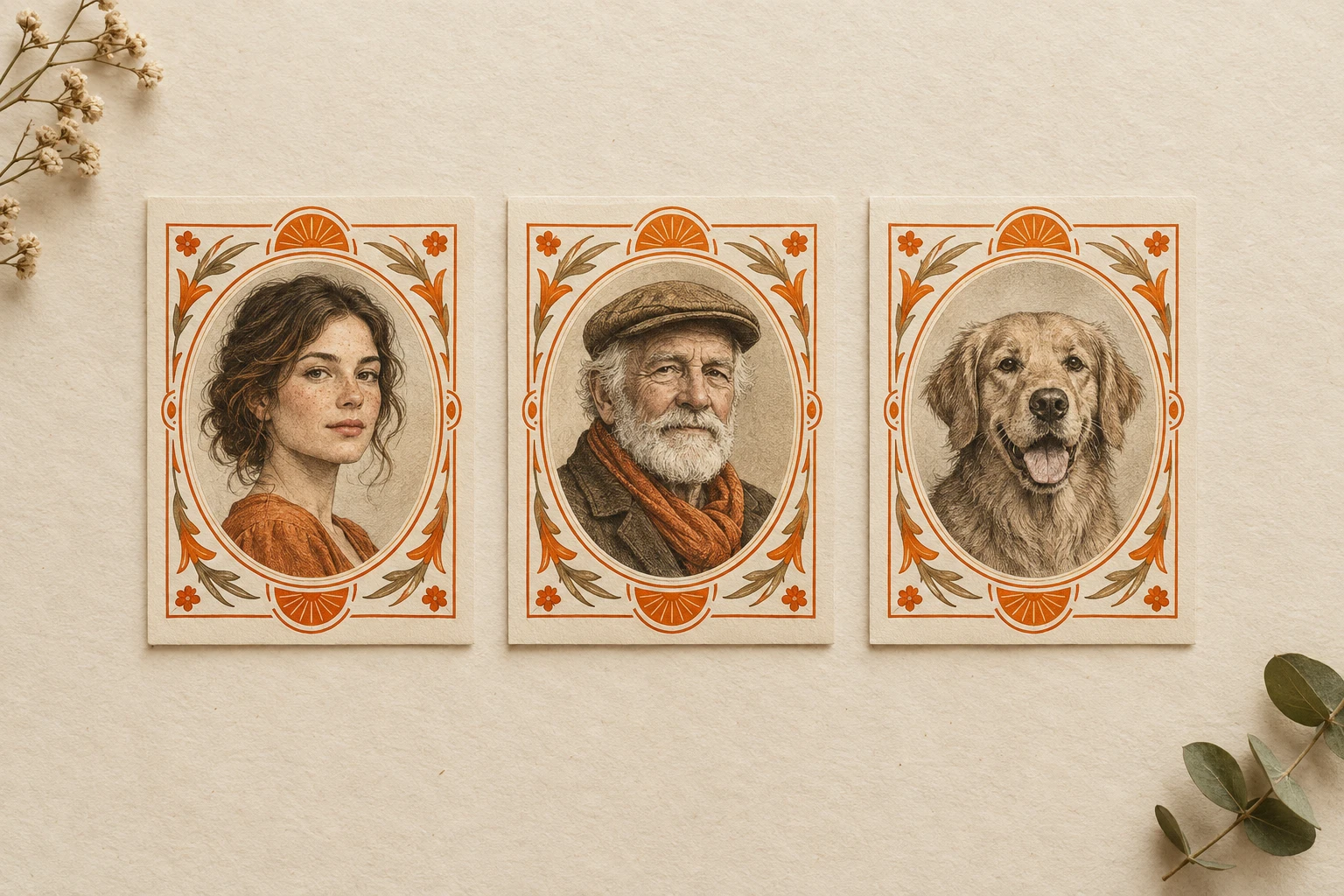
Designs you can re-skin in one click. Each template freezes a finished composition — propaganda poster, sumi-e silhouette, woodblock emblem, biker-club patch, bootleg rap-tee collage — and exposes just the slots the user fills in (a photo, a name, a date). Pick one, plug your inputs, ship it to a t-shirt, mug, or social post. Or build your own with Template Trainer.
Video Generation
Turn a prompt — or a still you already have — into a finished clip ready for Reels, TikTok, a product page, or a brand intro. Our lineup spans the flagships: Seedance 2.0 for cinematic text-to-video with native audio, Happy Horse 1.0 as a fast text-or-image starting point, Wan 2.7 I2V for animating stills, and Pruna for fast draft mode iterations. Pick the workflow that fits the brief and ship.
Video Tools
Fast, deterministic ffmpeg-backed tools for editing and packaging video files. Trim a clip, resize, merge, reverse, mirror, extract frames or audio, convert formats, build contact sheets, or turn a clip into a GIF or an animated preview — all over the same API you're already using for AI models. No GPUs, no prompts, predictable cost per second.
Web Tools
Tools that take a URL and give back something useful. Download media from any supported platform — YouTube, TikTok, Instagram, X, Vimeo — scrape OpenGraph and metadata from any page, or extract audio without ever pulling the full video to disk. The plumbing layer between the open web and your pipeline.
Workflows
Multi-step pipelines that chain models into a finished outcome — a full product launch, a design audit, a localization sweep, or a custom flow you assemble yourself. Once Template Trainer is wired into this category and the four pipelines on the roadmap land, this is where you orchestrate creative work end-to-end. Every tool here is currently 'coming soon'.