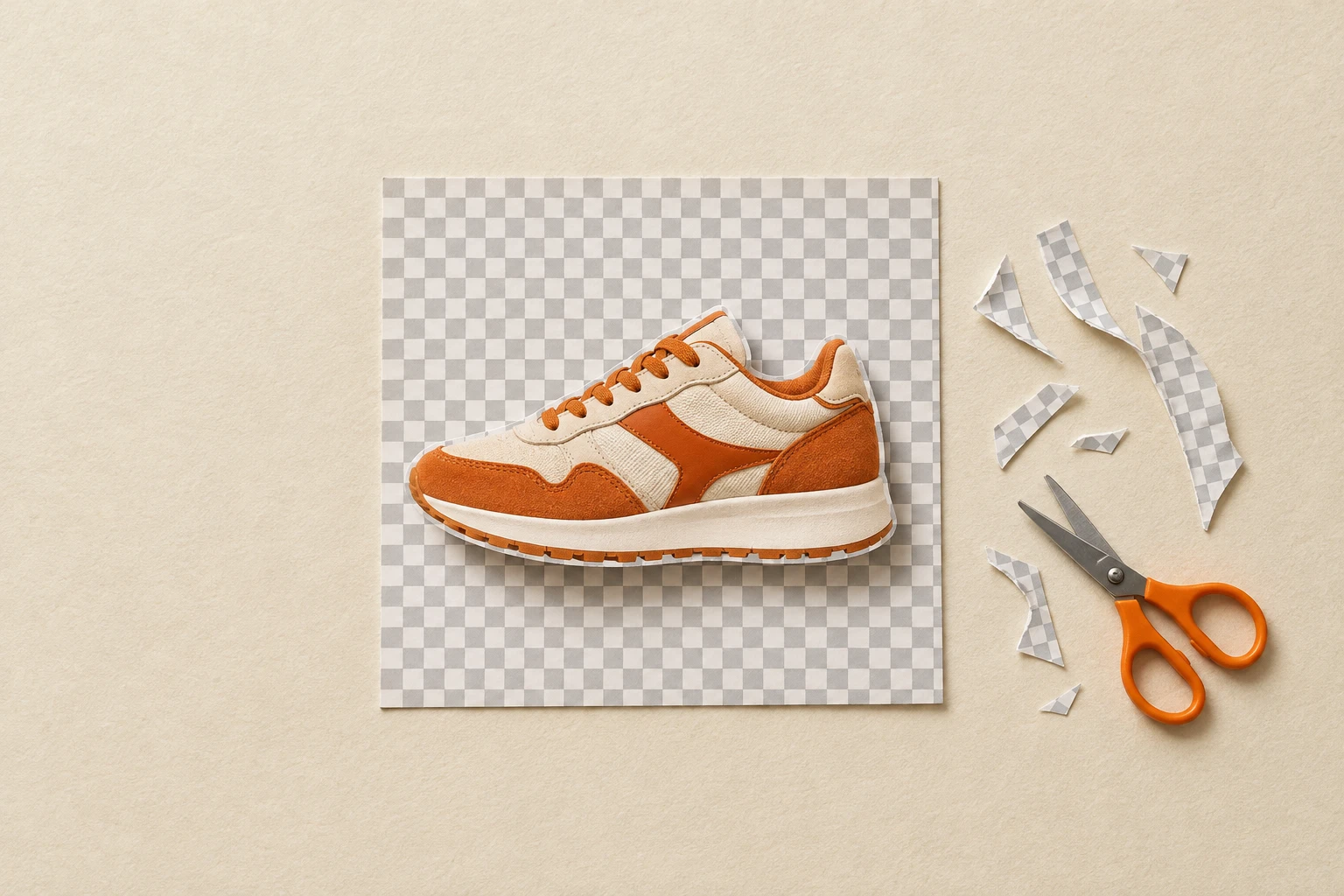
Background Removers
Drop in an image and get a clean PNG with a real alpha channel, ready for a print file, a mockup, a product grid or a collage. Four removers cover the range: Fast cuts out photos and most designs in about two seconds, up to eight at a time; Balanced is tuned for the finest edges, like flyaway hair, fur and glass; Smart checks its own cutout and redoes it when lettering or a frame went missing; and Premium keeps glows, smoke and other see-through effects with their transparency.
Our premium background remover in a single pass, for about half the price: your image is rendered twice and the transparency of every pixel is measured instead of guessed, and that cut-out is what you get, with no retries. When a design needs more than one try, the premium remover checks its result and redoes it. For flat designs on a plain background, the fast remover is quicker and just as clean.
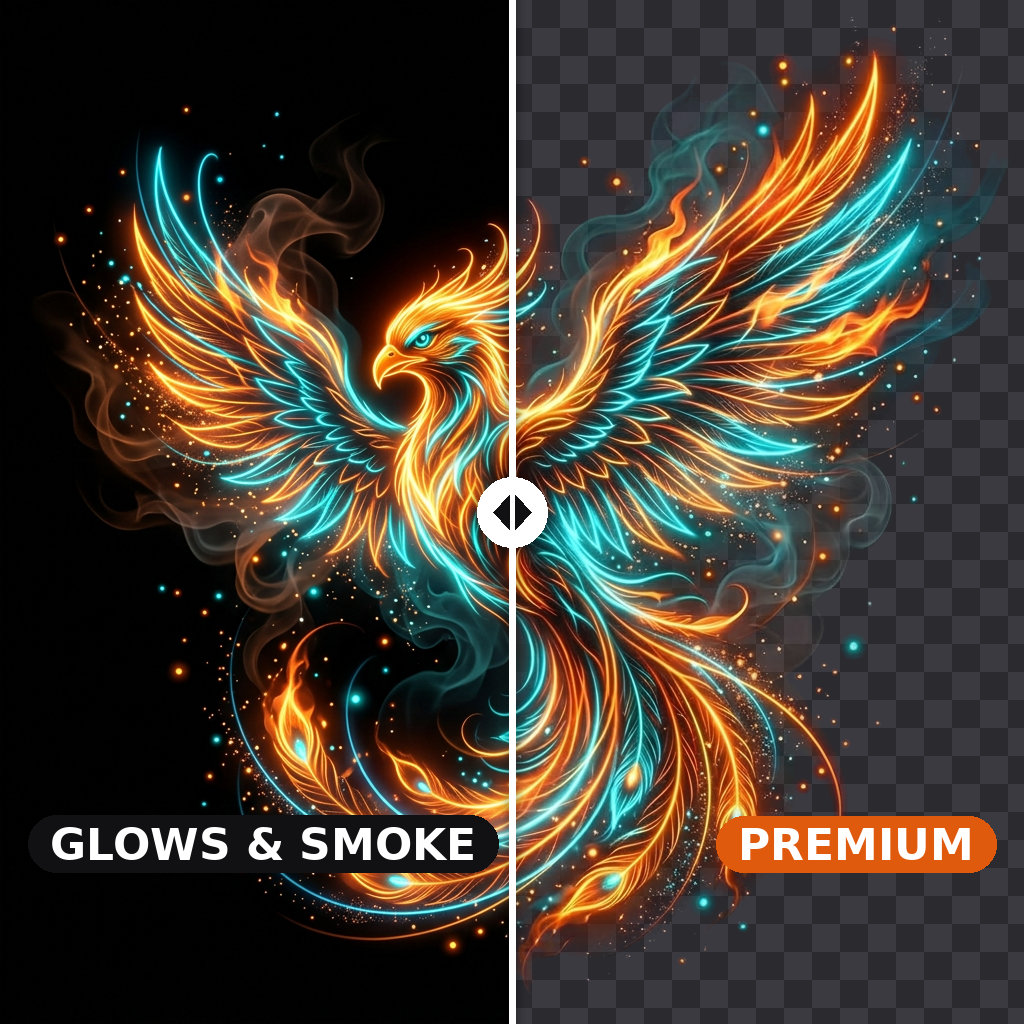
Our premium background remover, for the very difficult cutouts the others get wrong: glows, smoke, ink and other see-through parts, white lettering on a coloured background, photos. It renders your image twice and measures the transparency of every pixel instead of guessing it.
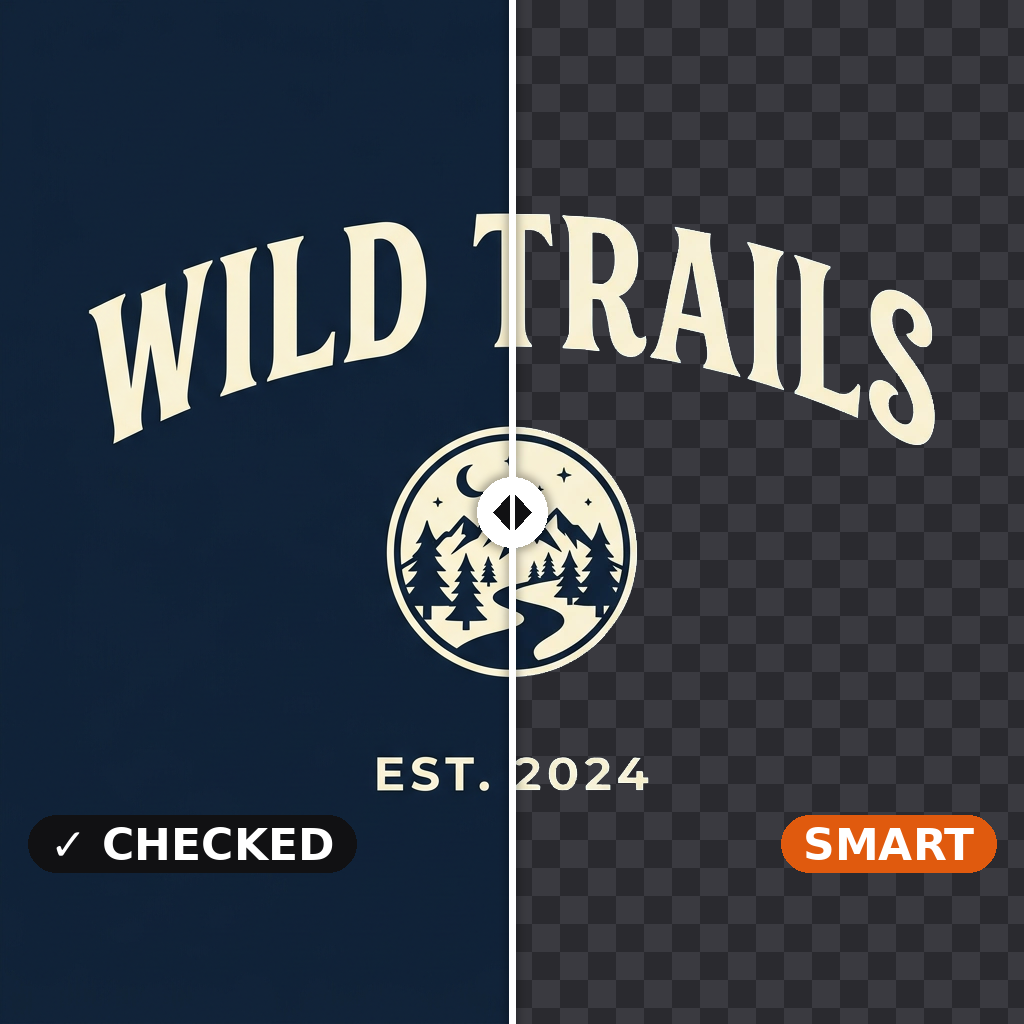
Background removal that checks its own work. When your image has a plain background, our fast remover cuts it out and we check that nothing of the design went with the background — a title, a caption, a frame. If something did, our balanced remover redoes it and the better cutout is delivered. Photos and busy backgrounds go straight to the balanced remover.
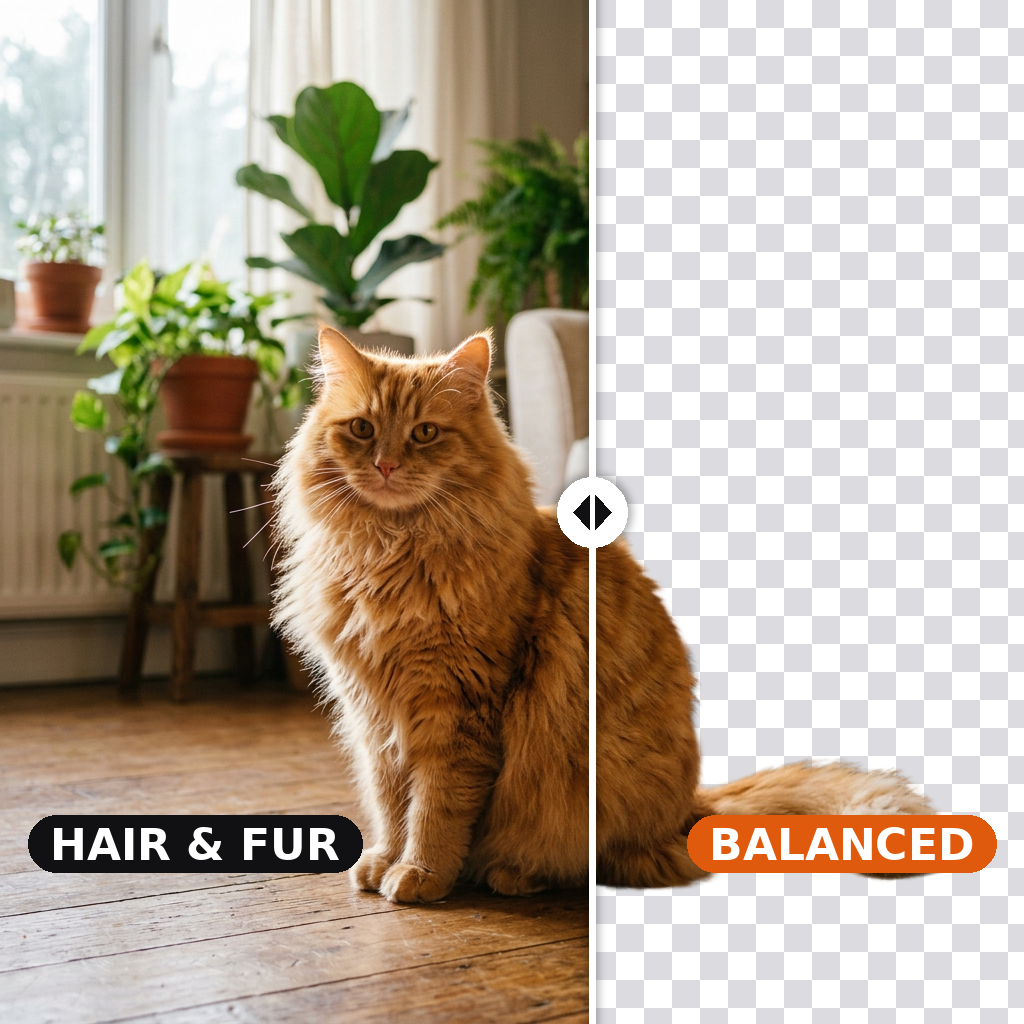
Our balanced background remover. Drop in a single image — product photo, portrait, AI-generated render, illustration — and the model returns a clean alpha-channel cutout, tuned to survive fine edges like hair, fur, fabric folds and glass.
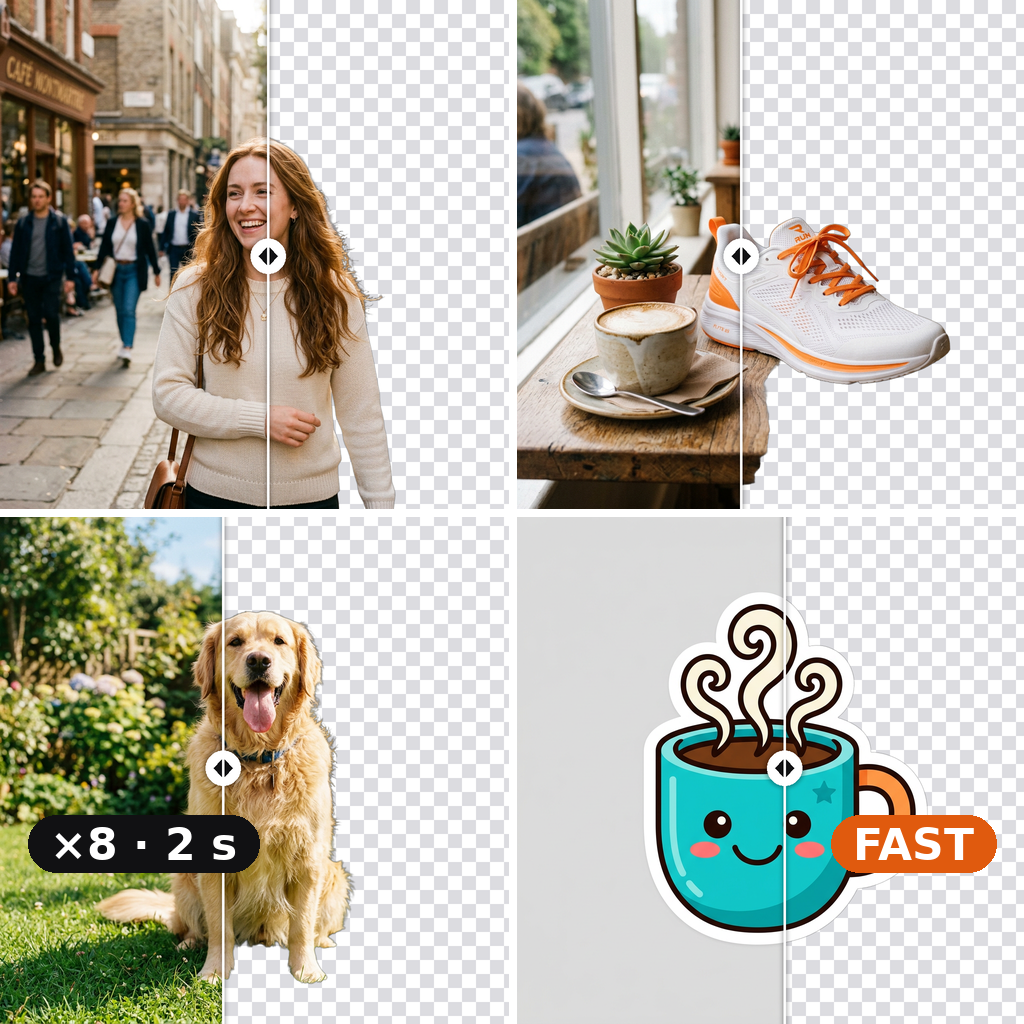
Fast Background Remover is the platform's batch cutout endpoint — drop in one to eight product photos and get back transparent-PNG cutouts in one call. The right tool for high-volume catalogue work where per-image cost compounds and the bar is consistent edge quality rather than absolute hair-level fidelity.
Clean cutouts, from everyday photos to neon glows
Four removers, one upload. Fast for photos and most designs, Balanced for the finest edges, Smart when the lettering has to stay, Premium for glows and smoke.
Frequently asked questions
Which remover should I use?
Start with Fast: it cuts out photos and most designs cleanly, in about two seconds and up to eight images at a time, for 1 credit each. Move to Balanced (1 credit) when the finest edges decide the result: flyaway hair against a busy background, fur, lace, glass. Use Smart (2 credits) for designs whose lettering, captions or frames sit apart from the main subject: it checks its own result and redoes it when something went missing. Keep Premium (95 credits) for glows, smoke, mist and other see-through effects, and for white lettering on a coloured background.
What does Fast handle well?
More than its name suggests. Photos of people, products and pets, including hair and soft edges in most shots; illustrations, logos, stickers and AI renders with a clear subject; designs that aren't overly complicated. It keeps the colours of your image, always crops the PNG to the design, and takes up to eight images in one run. Where it can slip: lettering or elements that float apart from the main subject, which it may take for background. That's what Smart is for.
Does it handle tricky edges like hair, fur and glass?
Fast does well on most portraits and pets. For the hardest edges (wispy strands against a busy background, fur, lace, mesh, glassware) Balanced is tuned to keep the fine detail instead of cutting a hard line. Smoke, glows and mist are a different problem, since they're partly see-through: Premium measures the transparency of every pixel instead of guessing it.
Why did my lettering disappear?
Removers keep the main subject, so text or elements that float apart from it can be taken for background. Smart checks for exactly that on images with a plain background: it lays the cutout back over your background colour, sees what went missing and redoes it with Balanced, with a second try if needed. If the lettering glows, use Premium.
Can I use the cutouts on t-shirts, mugs and other print products?
Yes. You get a PNG with a real alpha channel that sits on any mockup or product without a white box around it. Upload the highest resolution you have, and look at the result over the checkerboard shown under it: parts the same colour as your background, like white lettering inside a design on white, are the ones to check before printing.
What do I get back?
A PNG with a real alpha channel at your image's resolution. Fast always crops it to the design. Smart and Premium crop it too, unless you turn off "Trim alpha channel" to keep the full canvas, handy to place the cutout back over a mockup. Balanced returns the full canvas.
How much do they cost?
Fast: 1 credit per image. Balanced: 1 credit. Smart: 2 credits flat, its check and second pass included. Premium: 95 credits flat, retries included. You see the cost on Run before you start.
What kinds of images don't work well?
Crowded scenes where the subject is ambiguous, heavy motion blur, and parts that share the background's colour, like white lettering inside a design on a white background: any remover can get those wrong. Smart catches lettering that went missing and Premium keeps see-through effects, but neither can tell a part from a background of exactly the same colour.
Compare them in Studio
Open Studio with the background removers preselected and run the same image through two of them side by side.
Launch Studio →Not sure? Try Smart
It cuts with Fast, checks that nothing of your design went missing and redoes it with Balanced when it did. 2 credits.
Open the model →