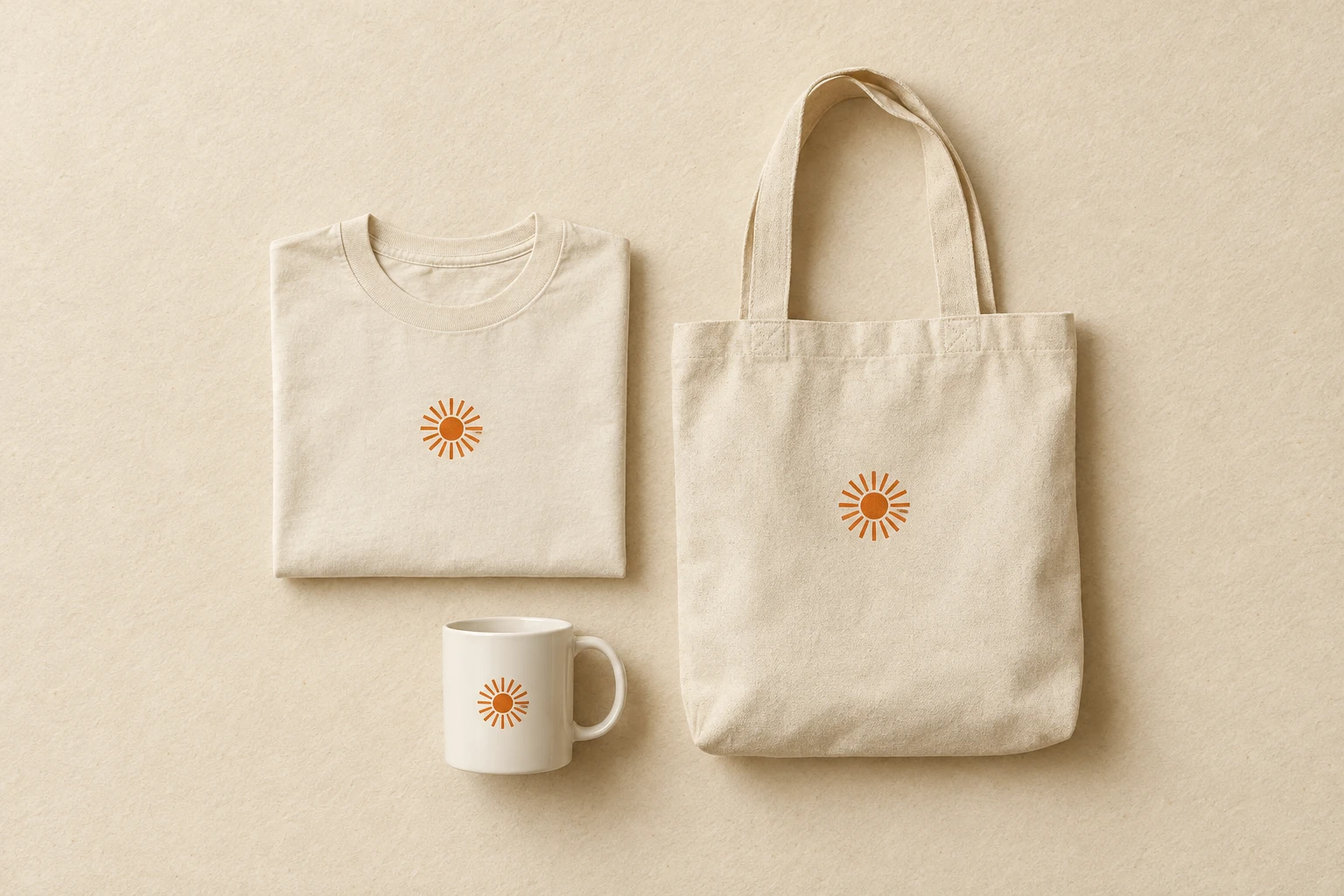
Mockups & Try-Ons
Put your design on the product before you commit to the print run. Three live apps cover the basics: Try-On Guided (drop a design + a product photo, get a realistic try-on), TryOn v1 (the lighter predecessor, useful for batch runs), and Mockup Improver (polish an existing mockup — lighting, fabric drape, color reproduction). A broader mockup pipeline (general generator, cylinder products, design-placement, model-pose, multi-product flows) is in the near-term roadmap.
**COMING SOON.** Generate a full photo-shoot worth of product imagery from a single design — multiple angles, lighting setups, lifestyle contexts — in one call.
**COMING SOON.** A general-purpose mockup generator that knows the platform's catalogue of products and renders the same design across any of them on demand.
**COMING SOON.** Wrap a flat design around a cylindrical product (mug, bottle, tumbler) with correct perspective and edge seam continuity.
**COMING SOON.** One design → mockups across a curated set of products in a single call — shirt, mug, apron, tote, phone case, poster, pillow.
**COMING SOON.** Pick exactly where the design sits on apparel — front, back, sleeve, pocket, all-over — with per-zone perspective handling.
**COMING SOON.** Show the same apparel mockup on a model in multiple poses — front, side, back, walking, sitting — from one design.

Try-On v1 is the platform's first-generation virtual try-on app — pass a design and an optional model reference, and the app renders the design on apparel with a default pose. The newer Try-On Guided (model_id=44) is the supported successor; this v1 endpoint stays for back-compat with older catalogue flows.

See the design on the product before you commit
Three live try-on apps today; a broader mockup pipeline on the way.
Frequently asked questions
Try-On Guided, TryOn v1 or Mockup Improver — which do I use?
Try-On Guided is the flagship — drop in a design plus a product photo (t-shirt, mug, apparel) and get a realistic try-on with the design convincingly placed. TryOn v1 is the lighter predecessor, useful when you need to run a large batch quickly. Mockup Improver takes an existing mockup (yours or one from another tool) and polishes it — lighting, fabric drape, color reproduction.
When does Mockup Improver pay for itself?
Whenever you have a mockup that's structurally right but visually flat — colors slightly off, lighting too uniform, the design sitting on the fabric instead of in it. Run it as a final polish step before pushing to a product page or ad creative. Cheaper than shooting the real product, faster than re-rendering from scratch.
When will the broader mockup catalog land?
Six tools are in active development and shown as 'coming soon': a general-purpose Mockup Generator, Photoshoot Generator, Cylinder Mockup (mugs, tumblers, bottles), Design Placement (automatic positioning within product safe-zones), Model Pose control, and Multi-Product Mockups (one design across many product types in a single run). Watch the changelog.
Are the outputs commercial-use ready?
Yes — every live app in this category supports commercial reuse under our terms. For final production-quality packshots (catalog hero images, paid ad creatives), confirm placement, color reproduction and fabric drape on a real sample before scaling spend.
Open in Studio
Drop in a design plus a product photo and A/B all three live apps in one session.
Launch Studio →Open Try-On Guided
Direct to the flagship app — useful when you have a queue of designs to preview.
Open the app →