Search
Results for “print on demand”
12 models, tools and templates match.
Showing 1–12 of 12
Turn a design into a print-ready file in one run: pick the product, and the background is cut out (optional), the empty margins are trimmed and the art is fitted to the exact pixels that print area needs at 300 DPI, with the DPI written into the PNG. The sizing step picks itself — a small or soft design is rebuilt with a 4x AI upscaler first, a large one is resampled directly — so you never have to know which tool your file needed.
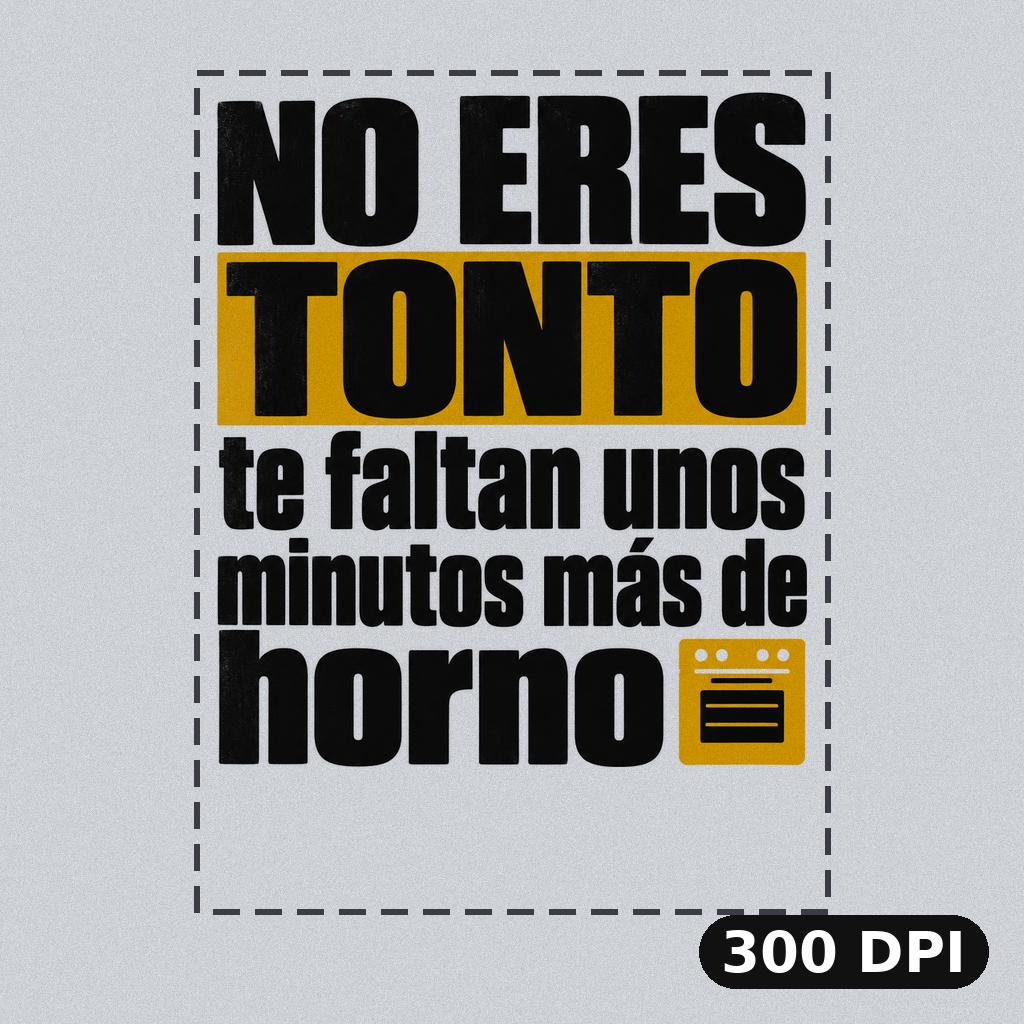
Make a design print-ready for a real size. Pick the product or type the size, and DPI Fixer trims the empty margins, resizes the art to exactly the pixels that size needs at 300 DPI (or the DPI you choose) and writes the DPI into the PNG. Transparency is kept. For small or damaged designs, use DPI Fixer Ultimate.
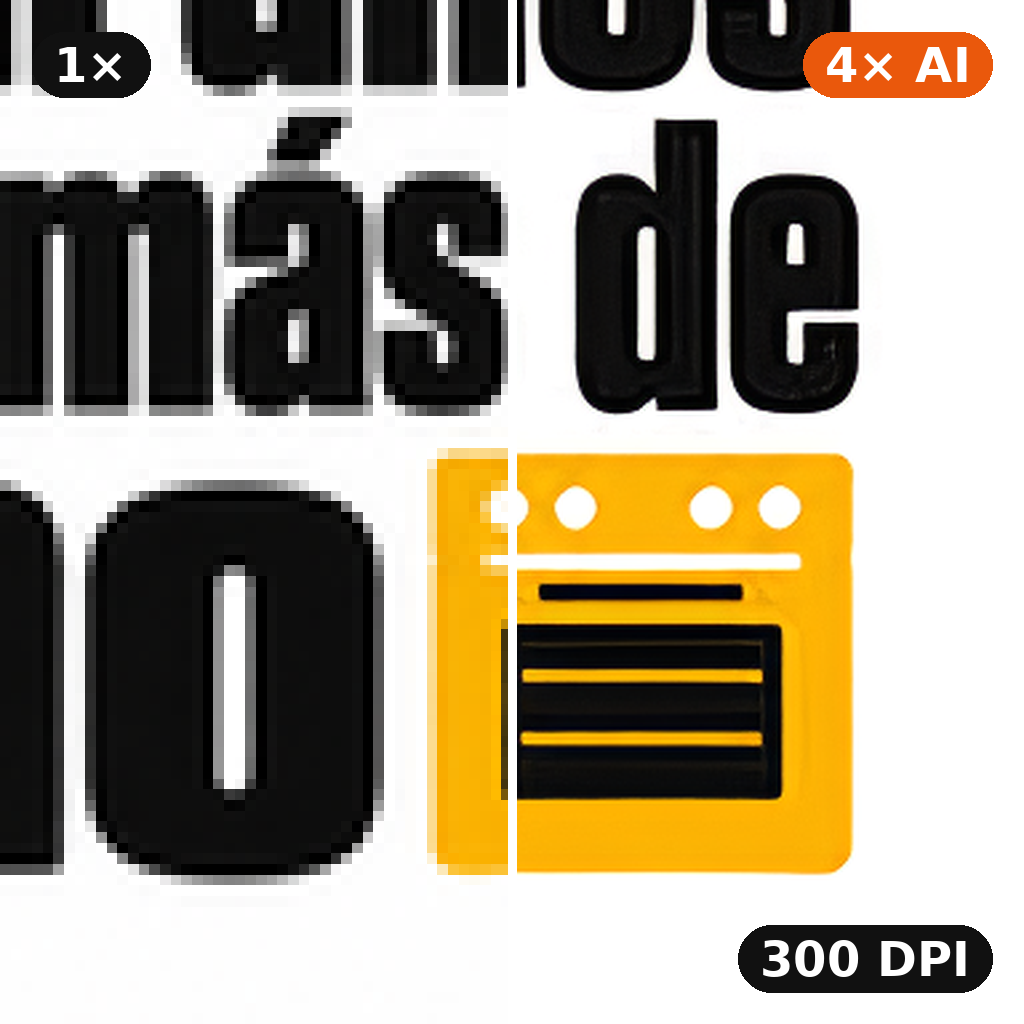
For designs that are too small or in bad shape: a 4× AI upscale rebuilds clean edges and removes compression artefacts, then DPI Fixer trims the margins and fits the art to the exact pixels of your product's print size at 300 DPI (or the DPI you choose). Same options as DPI Fixer.

Try-On v1 is the platform's first-generation virtual try-on app — pass a design and an optional model reference, and the app renders the design on apparel with a default pose. The newer Try-On Guided (model_id=44) is the supported successor; this v1 endpoint stays for back-compat with older catalogue flows.
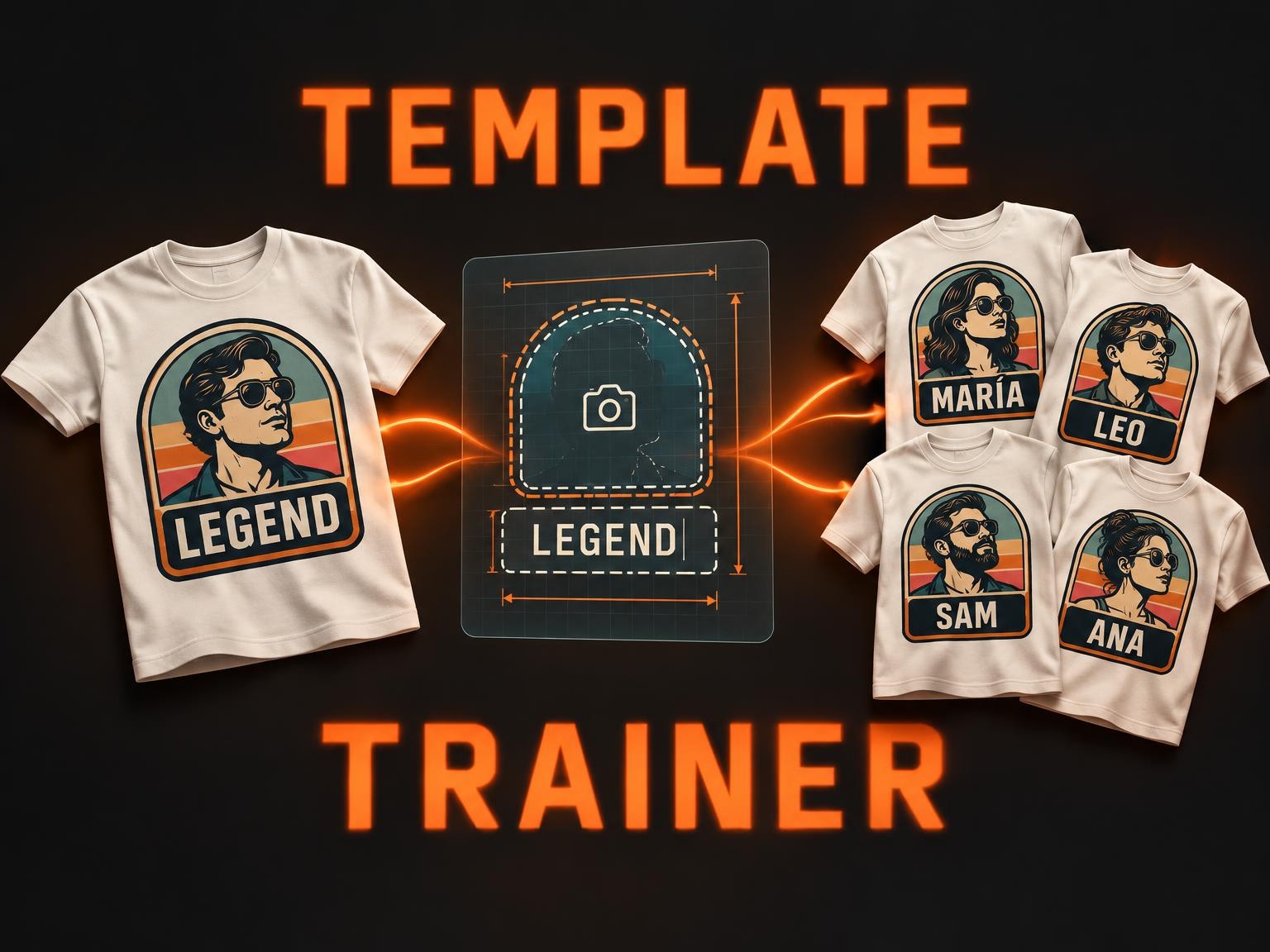
Template Trainer turns any static design — a logo, a t-shirt graphic, a poster, a mug print — into a **reusable, parameterised template** the platform can re-render with a customer's own name, portrait, slogan or photo. Drop in the source artwork, list the variable fields you want, and ship a personalised product line from one design.
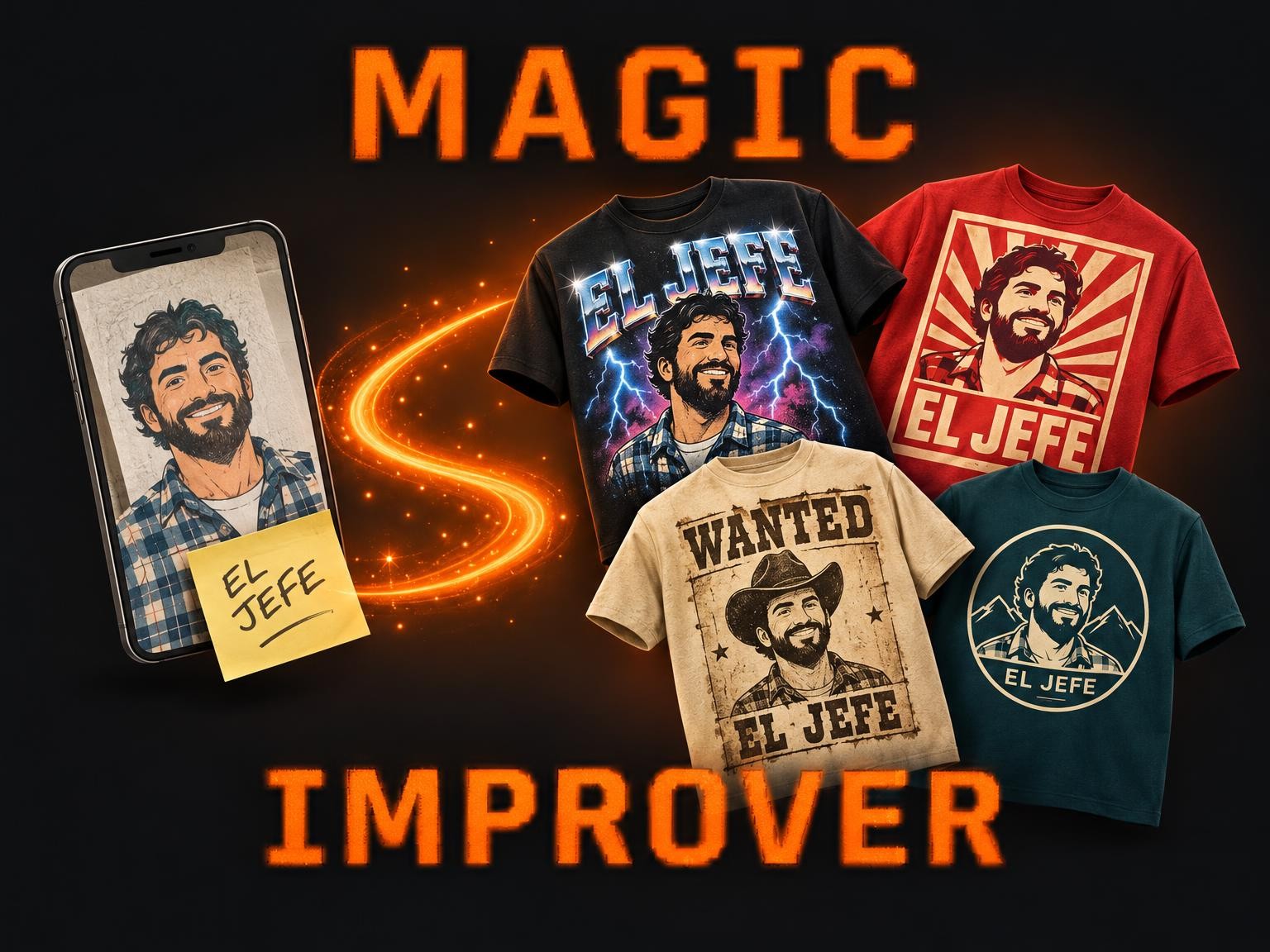
Magic Improver turns whatever you were going to print — a phone photo, a rough collage, a logo, a few typed words — into finished t-shirt designs. An art director reads your upload, works out the style you were after among 58 proven t-shirt looks, and renders up to 5 options that keep your people, your pets and your words.
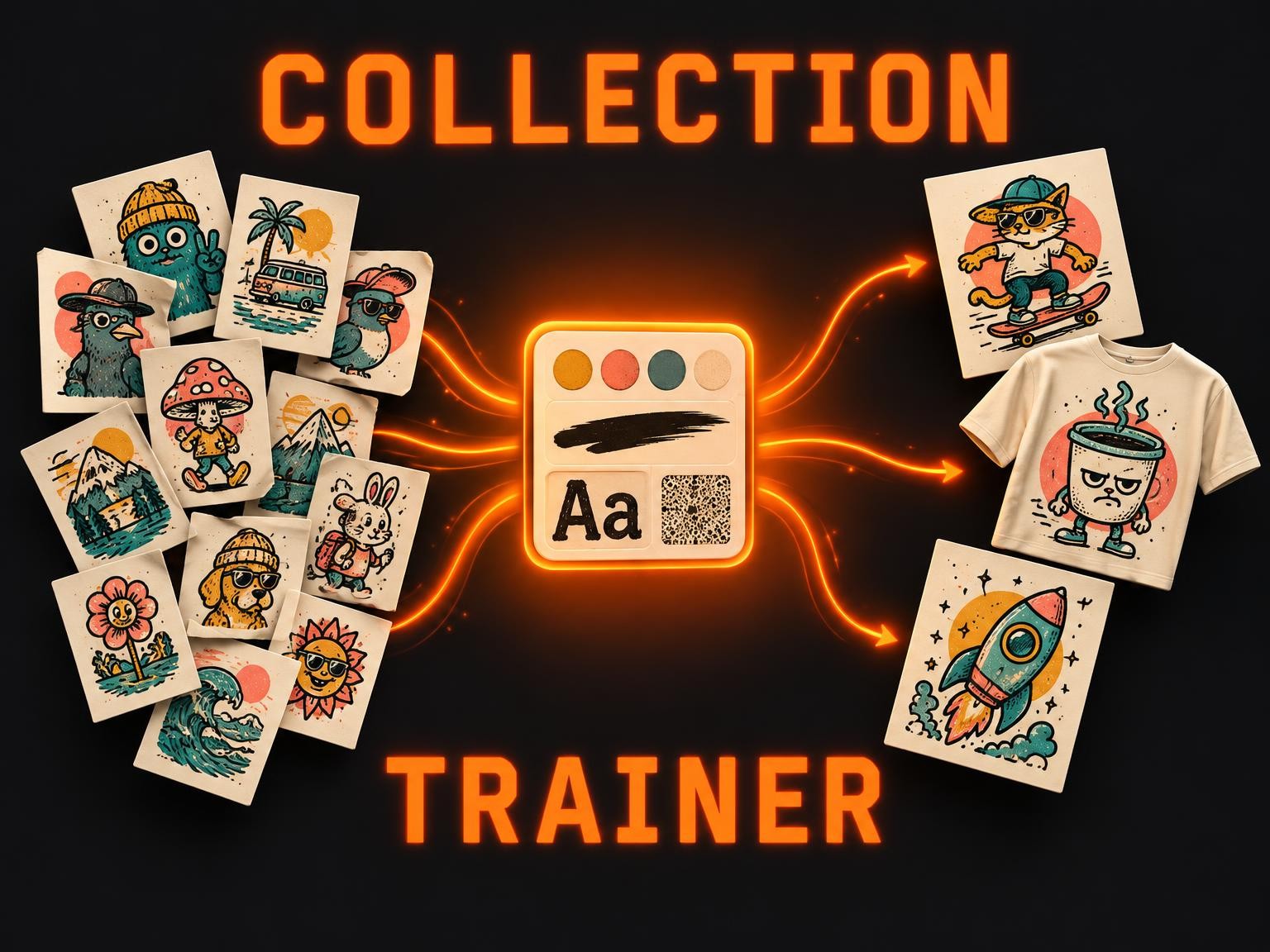
Train a reusable style pack from 3–30 of your designs. Upload a ZIP and get a collection model that turns any idea, or a photo, into new designs in that same style, ready for print.
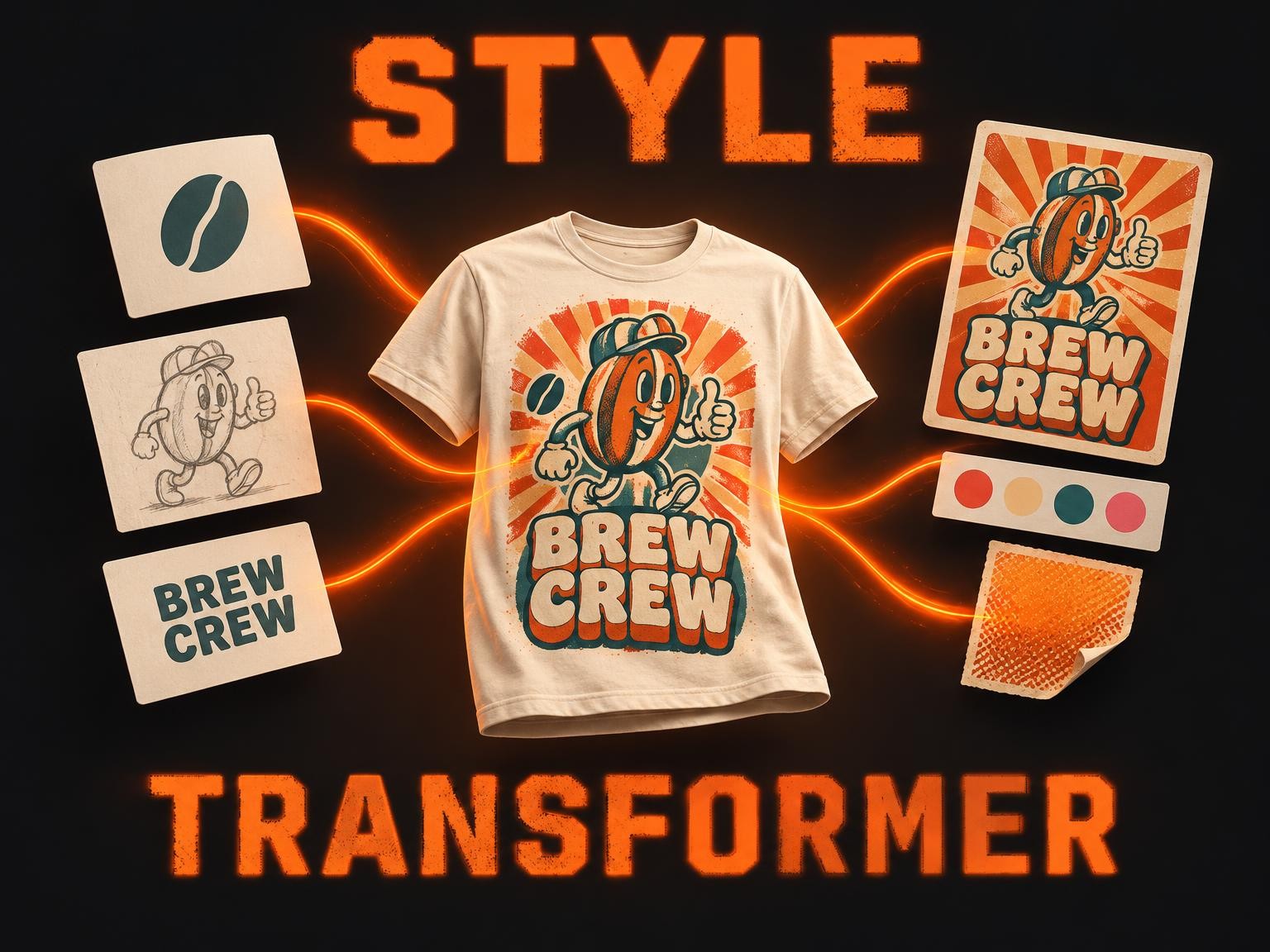
Design Style Transformer Multiple Images fuses up to 10 of your designs — logos, illustrations, characters, lettering — into one t-shirt graphic in the look of any reference design you love. Add a slogan, or start from words alone: it studies the reference's palette, typography, effects and layout and renders everything in that style, keeping every word and element of yours.
Magic Improver Text Only turns a designer's starting point — an idea, a phrase, a lettering sketch, a photo or a weak text design — into finished text-only t-shirt designs. An art director picks the best fit among 36 lettering archetypes mined from LaTostadora's best text designs, writes the phrase and lays it out, and renders up to 5 options.
Magic Improver Gourmet turns a designer's starting point — an idea, a pun, a sketch, a photo or a weak design — into finished t-shirt designs at design-contest level. An art director picks the best fit among 68 design archetypes mined from thousands of designer-tee contest entries, develops the concept, writes the title and renders up to 5 options.

Logo Translator Pro re-imagines an existing logo into a target style, era or audience — vintage to modern, kid-friendly to corporate, hand-drawn to geometric. Pass the source logo plus a written instruction; the model returns a translated logo with the brand identity preserved.
