Preparación impresión
La última milla entre un diseño acabado y un archivo de impresión que la fábrica no rechazará. Hoy: tres recortadores de fondo (Balanced para los bordes más finos; Smart, que comprueba su propio recorte y lo rehace cuando se pierde un texto; y Premium, que conserva translúcidos los brillos y el humo), DPI Fixer (recorta márgenes y ajusta el arte a los píxeles exactos del área de impresión de un producto a 300 DPI), DPI Fixer Ultimate (lo mismo tras un upscale ×4 con IA, para arte pequeño o dañado), el 4× Upscaler por separado, DTG-to-Vector (arte rasterizado a paths SVG limpios para serigrafía, vinilo de corte y bordado) y un workflow que quita el fondo y arregla los DPI en una sola ejecución. Un reductor de colores y un control de copyright están en el roadmap.
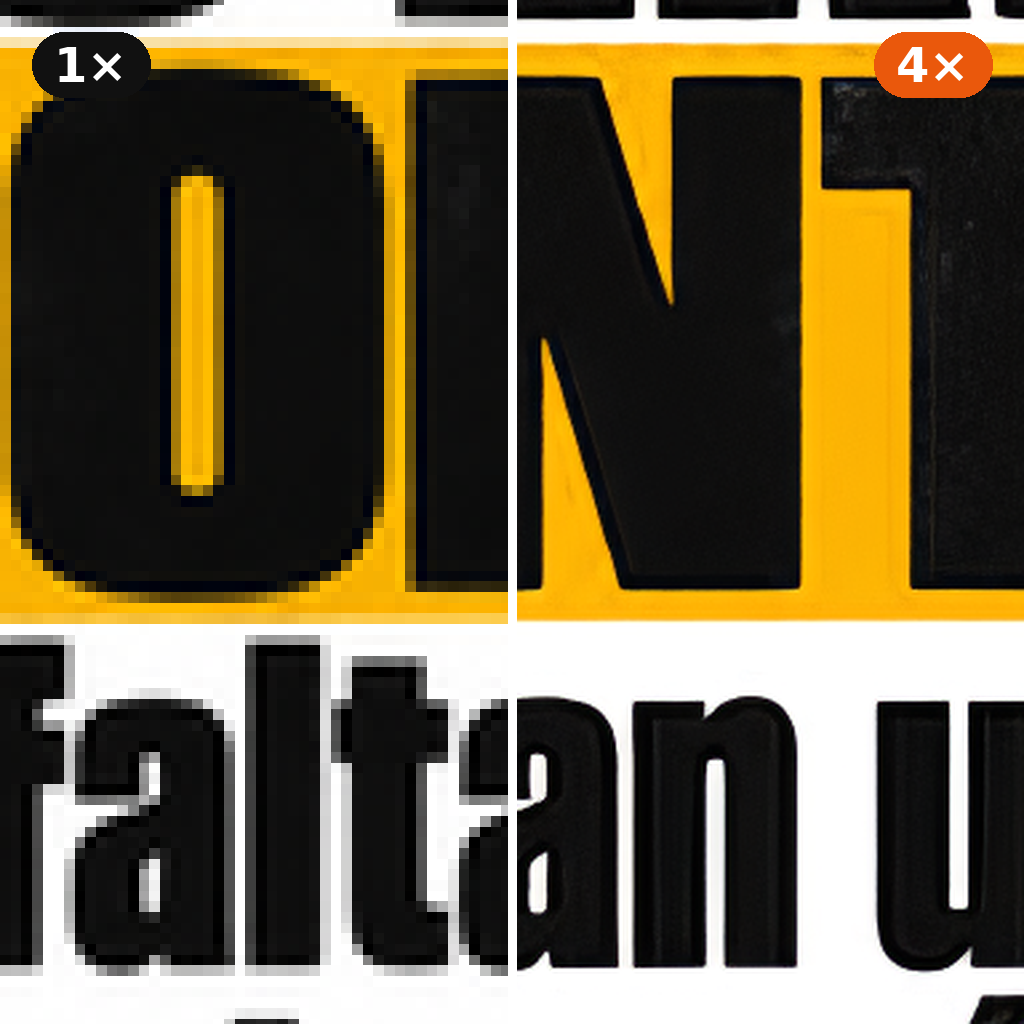
Enlarge an image four times with an AI upscaler tuned for faithful results: clean edges, no invented detail, whites stay white and textures are kept. It also cleans JPEG artefacts, and transparent PNGs keep sharp cut-out edges. Images over 1536 px on the long side are reduced first, so the result is at most 6144 px.
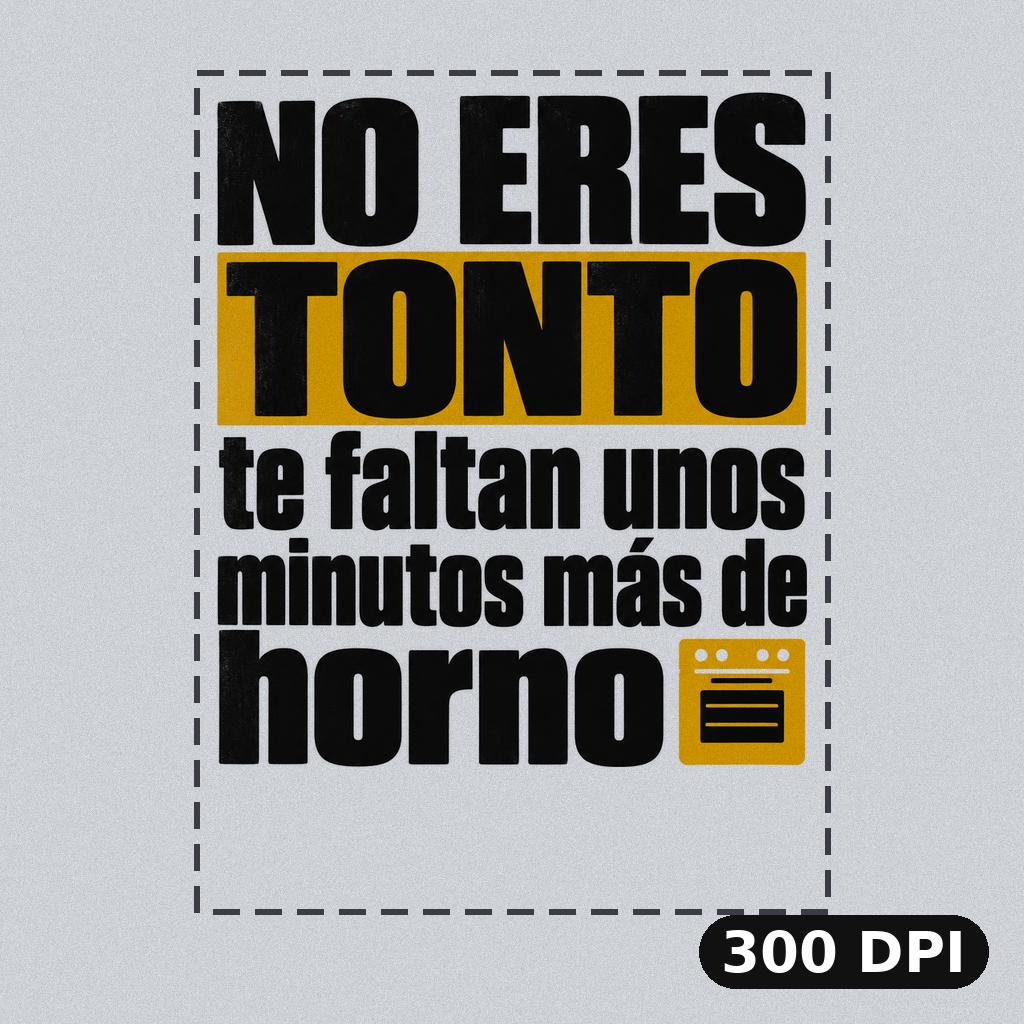
Make a design print-ready for a real size. Pick the product or type the size, and DPI Fixer trims the empty margins, resizes the art to exactly the pixels that size needs at 300 DPI (or the DPI you choose) and writes the DPI into the PNG. Transparency is kept. For small or damaged designs, use DPI Fixer Ultimate.
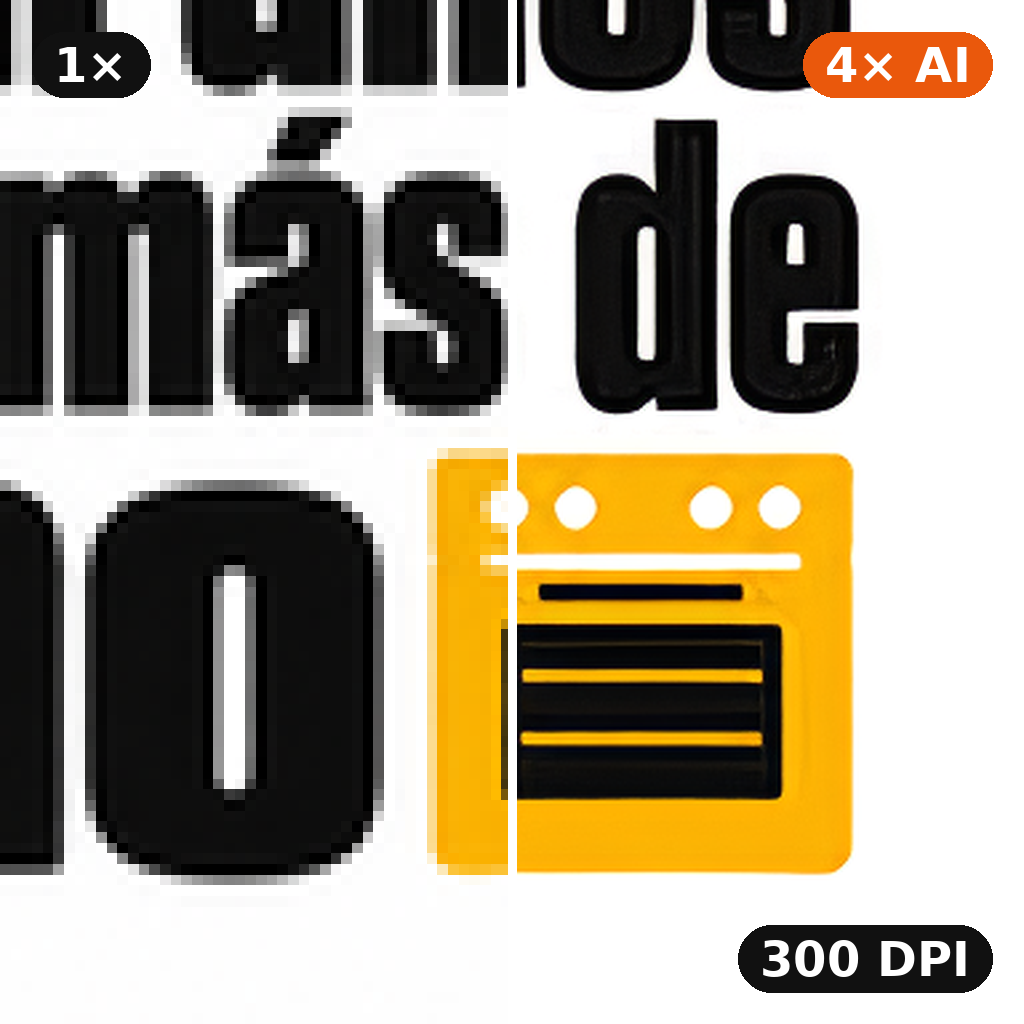
For designs that are too small or in bad shape: a 4× AI upscale rebuilds clean edges and removes compression artefacts, then DPI Fixer trims the margins and fits the art to the exact pixels of your product's print size at 300 DPI (or the DPI you choose). Same options as DPI Fixer.
**COMING SOON.** Clean up AI-generated artwork before it goes to print: removes banding, compression blocks, stray speckles and generation artefacts while keeping line work and flat colour areas sharp.
Turn a design into a print-ready file in one run: pick the product, and the background is cut out (optional), the empty margins are trimmed and the art is fitted to the exact pixels that print area needs at 300 DPI, with the DPI written into the PNG. The sizing step picks itself — a small or soft design is rebuilt with a 4x AI upscaler first, a large one is resampled directly — so you never have to know which tool your file needed.
Cut out a design and make it print-ready in one run: Fast Background Remover removes the background and the empty canvas, then DPI Fixer fits the art to the exact pixels of the product's print area at 200 DPI. You get a transparent PNG with the DPI written in.
Wowmachine's raster-to-SVG vectorizer. Pass a flat illustration, a logo, an icon or any raster artwork and the model returns a clean SVG with precise vector paths — scalable without quality loss, ready for production design, print and web.
**COMING SOON.** Flag designs that may infringe a trademark or copyrighted brand — logo similarity, recognisable characters, registered marks — before they reach a customer order.
**COMING SOON.** Convert a design for a target print technology (DTG, sublimation, DTF, screen printing, UV). DPI, transparency rules, ink-count constraints and edge cleanup applied in one pass.
**COMING SOON.** Convert a multi-colour DTG-ready design into a single-colour vinyl-ready file — palette collapsed to one ink, edges cleaned, transparency removed.
**COMING SOON.** Collapse a multi-colour design to N print-ready inks (1–9) for screen printing or embroidery. Delivers separated layer files.
Our premium background remover in a single pass, for about half the price: your image is rendered twice and the transparency of every pixel is measured instead of guessed, and that cut-out is what you get, with no retries. When a design needs more than one try, the premium remover checks its result and redoes it. For flat designs on a plain background, the fast remover is quicker and just as clean.
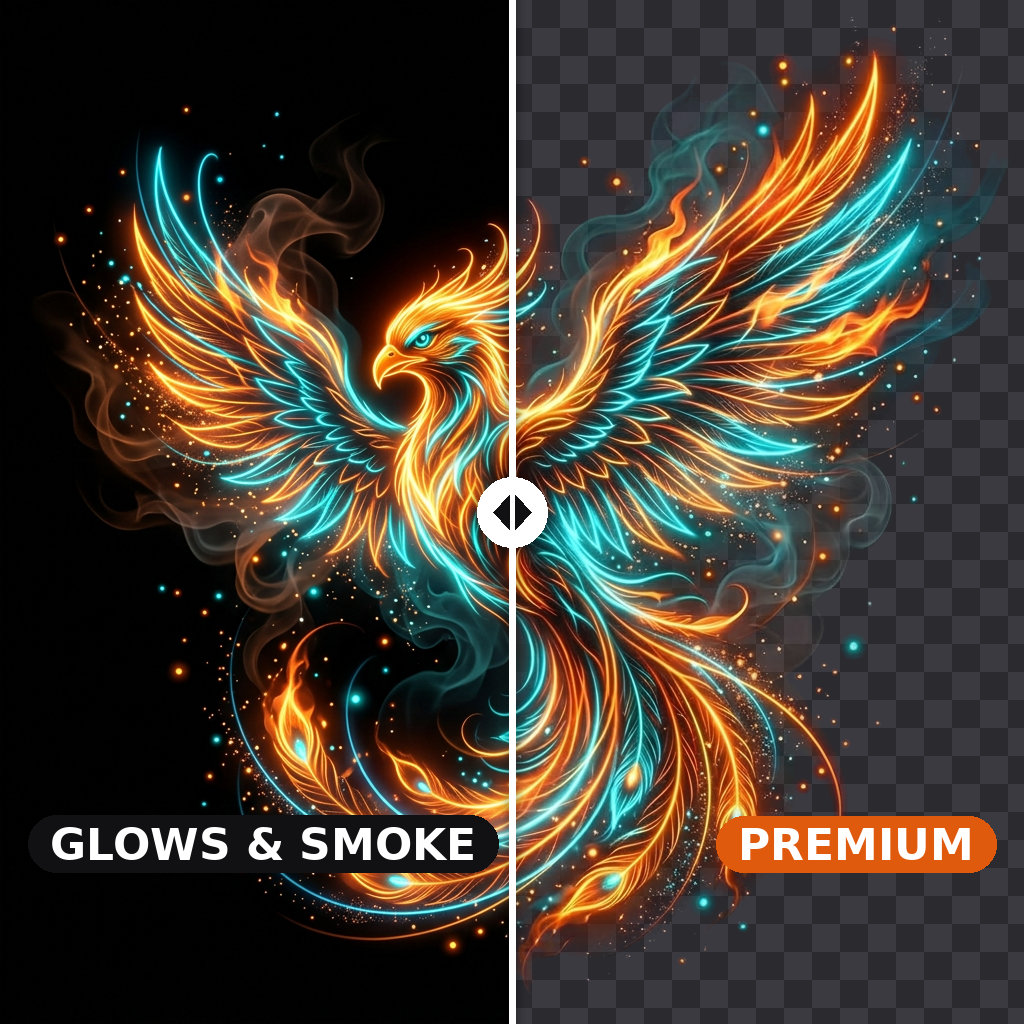
Our premium background remover, for the very difficult cutouts the others get wrong: glows, smoke, ink and other see-through parts, white lettering on a coloured background, photos. It renders your image twice and measures the transparency of every pixel instead of guessing it.
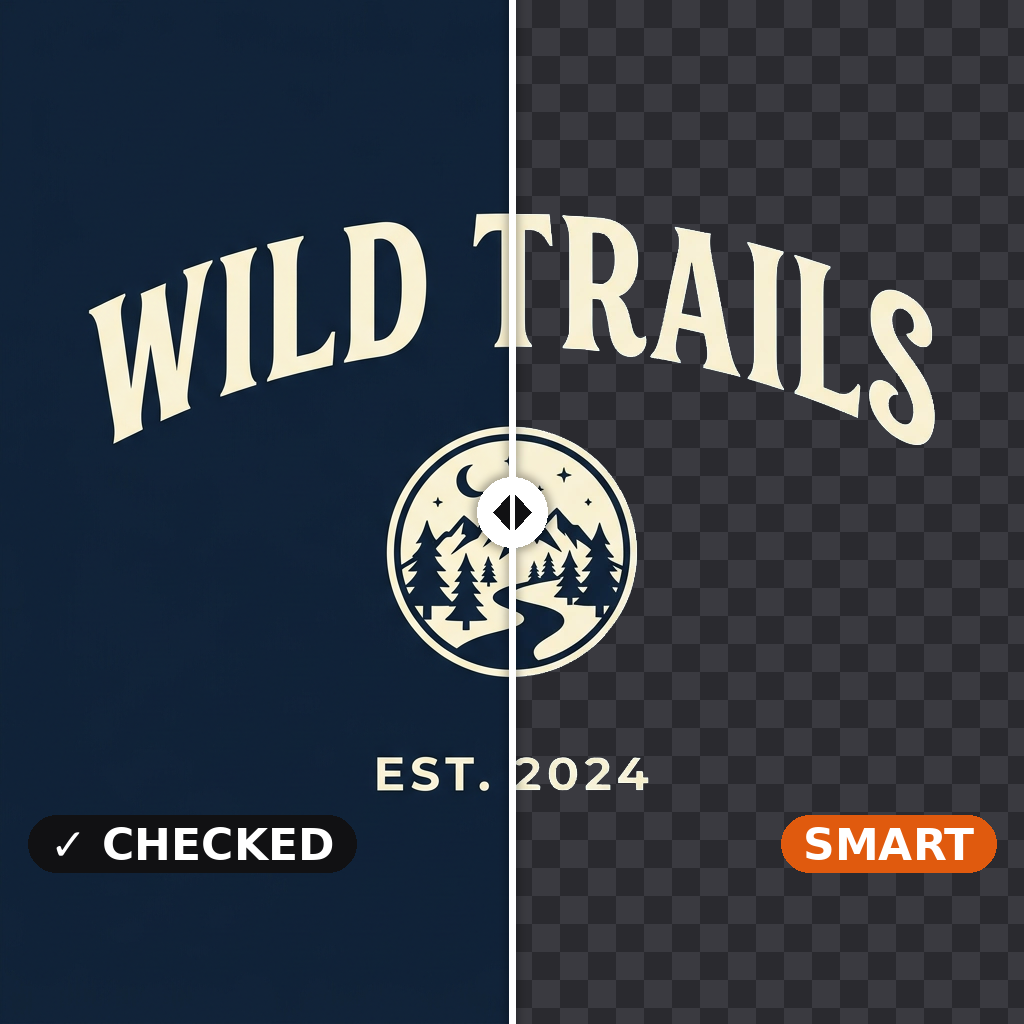
Background removal that checks its own work. When your image has a plain background, our fast remover cuts it out and we check that nothing of the design went with the background — a title, a caption, a frame. If something did, our balanced remover redoes it and the better cutout is delivered. Photos and busy backgrounds go straight to the balanced remover.
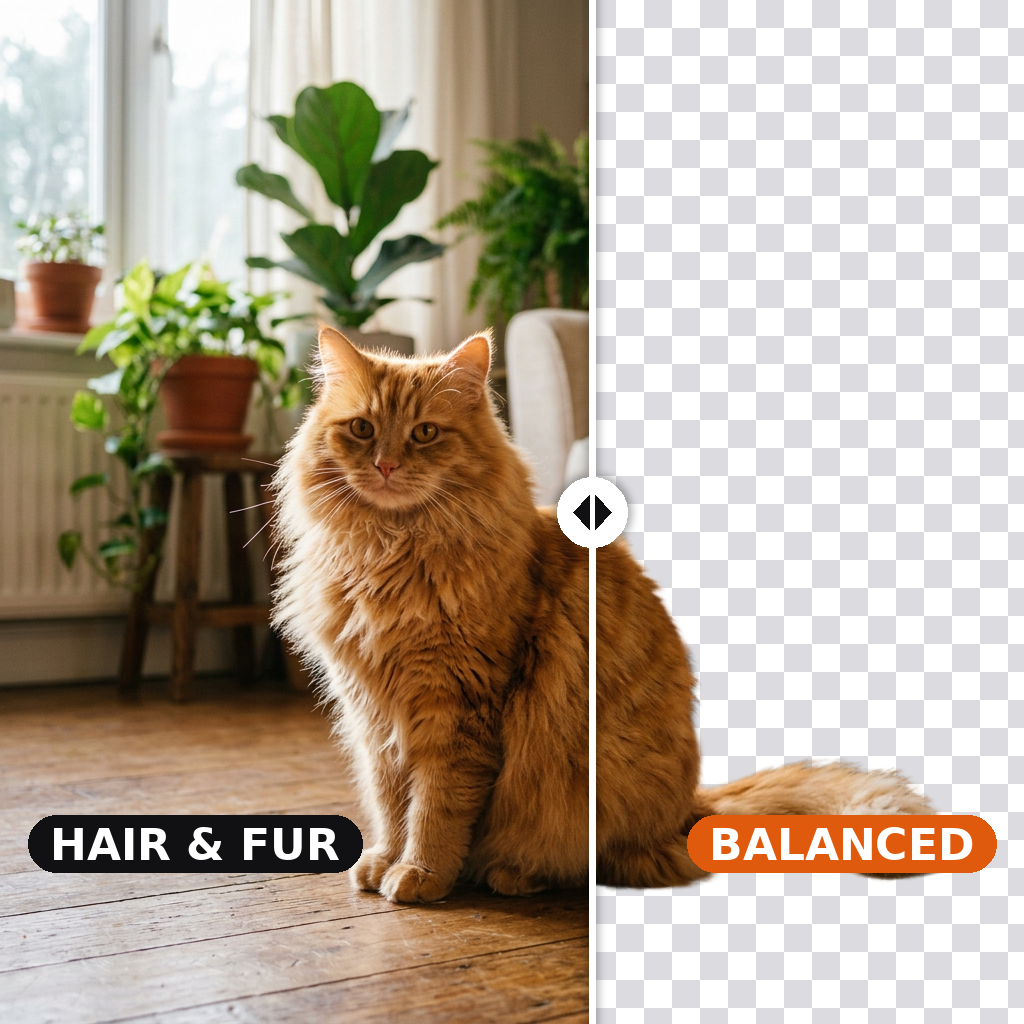
Our balanced background remover. Drop in a single image — product photo, portrait, AI-generated render, illustration — and the model returns a clean alpha-channel cutout, tuned to survive fine edges like hair, fur, fabric folds and glass.
Del render de IA al archivo listo para imprimir
Recortes limpios, tamaños de impresión exactos a 300 DPI, upscale ×4 con IA y raster a vector.
Preguntas frecuentes
¿Qué hay disponible ahora mismo en esta categoría?
Ocho herramientas vivas: tres recortadores de fondo (Balanced para los bordes más finos, Smart para diseños cuyas letras deben quedarse, Premium para brillos y humo), DPI Fixer (elige un producto como camiseta, taza o póster A3, o escribe una medida, y recibe un PNG con los píxeles exactos que pide ese tamaño a 300 DPI), DPI Fixer Ultimate (primero un upscale ×4 con IA, para arte pequeño o dañado), el 4× Upscaler, DTG-to-Vector y el workflow Remove bg and fix DPI (un recorte ajustado al producto a 200 DPI, en una sola ejecución). El recortador Fast, para fotos y la mayoría de diseños en segundos, está en Eliminadores de Fondo.
¿Qué recortador de fondo uso para un archivo de impresión?
Fast recorta fotos y la mayoría de diseños en unos dos segundos, por 1 crédito. Usa Smart (2 créditos) cuando un texto o un marco queda separado del motivo principal, para que no se pierda nada; Premium (95 créditos) para brillos, humo y otros efectos translúcidos; y Balanced (1 crédito) para los bordes más finos, como el pelo suelto o el pelaje. Antes de imprimir, revisa el resultado sobre el fondo de cuadros que aparece debajo: las partes del mismo color que el fondo son las que conviene mirar.
¿DPI Fixer o DPI Fixer Ultimate?
Empieza por DPI Fixer: es barato y sirve para la mayoría de diseños. Usa Ultimate cuando el original es pequeño para el tamaño de impresión o está visiblemente dañado (bordes borrosos, bloques JPEG): el upscale con IA reconstruye los bordes antes de ajustar el tamaño. Escribir un valor de DPI por sí solo nunca mejora una impresión; las dos herramientas cambian los píxeles.
¿Cuándo vectorizar un diseño generado por IA?
Siempre que el destino sea serigrafía, vinilo de corte, bordado o cualquier proceso que necesite zonas de color planas y paths limpios. DTG-to-Vector está afinado para ilustraciones y logos con regiones de color razonablemente diferenciadas; los outputs fotorrealistas complejos no se vectorizan bien: déjalos como raster.
Abrir en Studio
Recorta un fondo, arregla los DPI, amplía o vectoriza un diseño.
Abrir Studio →Prueba DPI Fixer
Elige el producto y recibe un PNG listo para imprimir a 300 DPI.
Abrir el modelo →